All-in-One Trading Platform: Brokers, Algos and Testing
An all-in-one trading platform brings the parts of trading that usually live in separate apps into one place: building strategies, testing them on past data, sending orders through your broker accounts, and tracking positions and results. You keep your existing brokers; the platform sits on top of them so that you work from one screen instead of five.
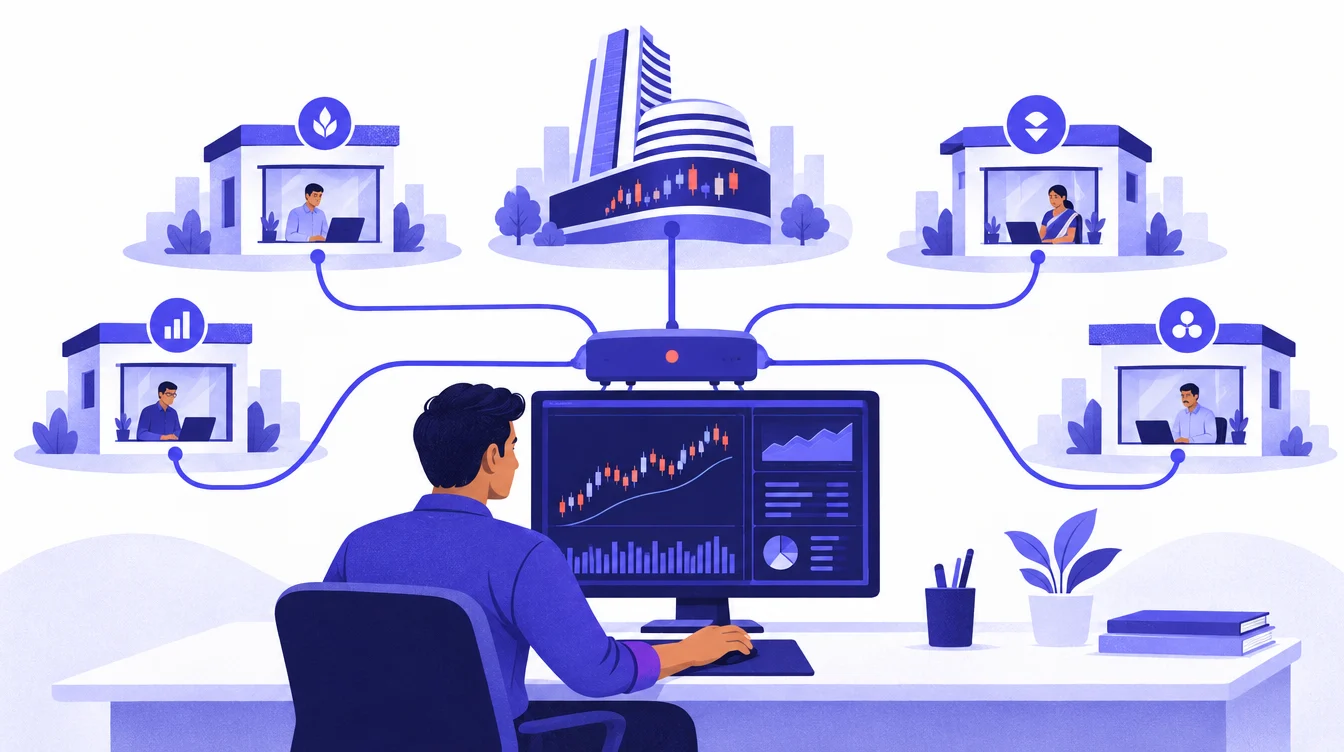
What "all-in-one" means in practice
Most active traders in India end up with a stack of tools: a broker app for orders, a charting tool for signals, a spreadsheet for tracking, maybe a script or an alert service for automation. Each one does its job; none of them talk to each other. The result is copy-pasting, missed orders and no single record of what happened.
An all-in-one trading platform joins those pieces:
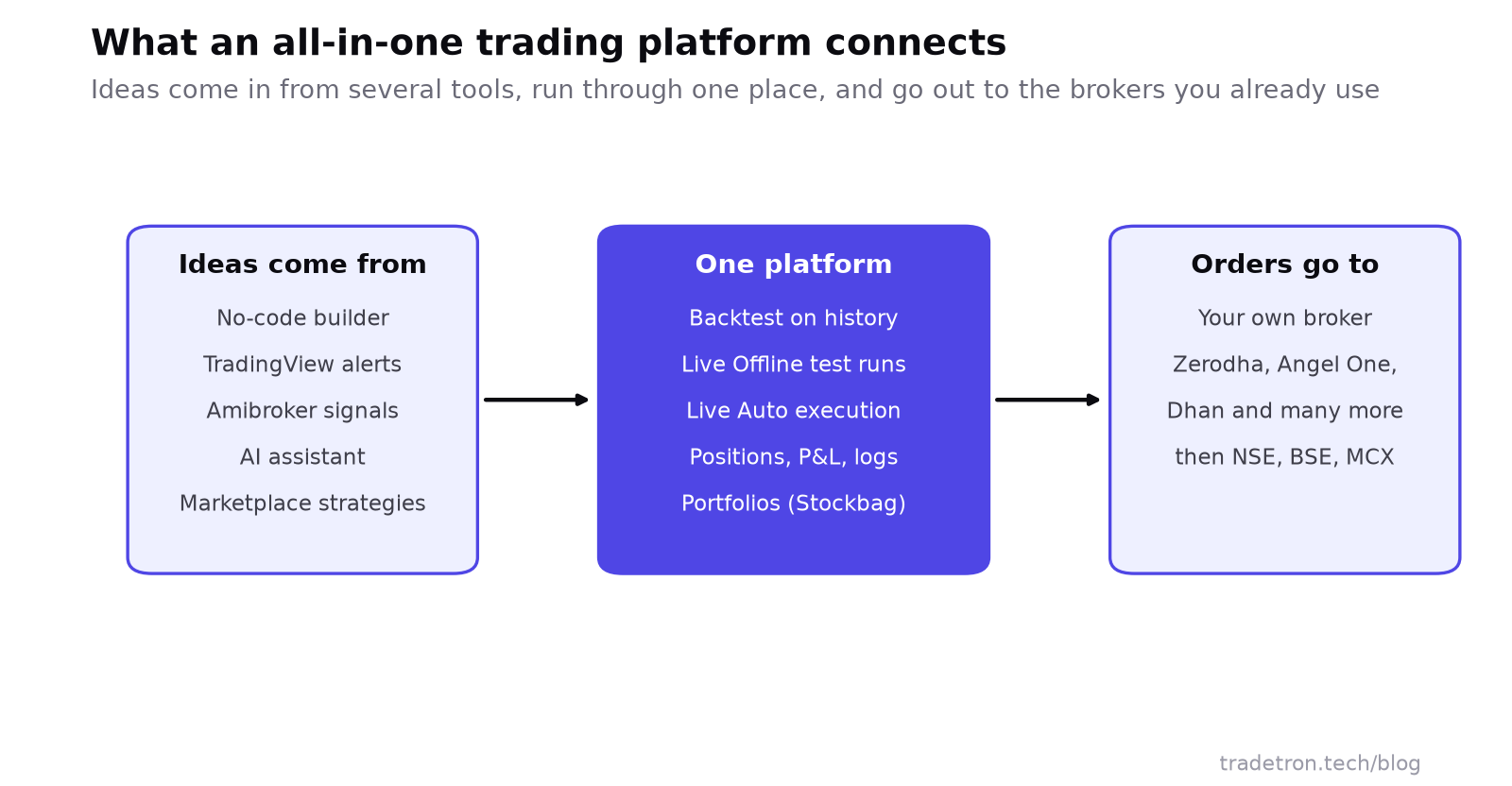 Where an all-in-one platform sits between your trading ideas and your brokers
What an all-in-one platform should do
| Job | What to expect | Why it matters |
|---|---|---|
| Connect brokers | Official API connections to the brokers you use, and more than one if you trade with several | You don't have to move your account to automate it |
| Build strategies | Rules for entry, exit, stop loss and sizing, with or without code | Your logic is written down and repeatable |
| Take outside signals | Webhooks from TradingView, signals from Amibroker or similar tools | Keep your favourite charting tool and automate what it tells you |
| Backtest | Run the same rules on historical data with a report | See how a rule behaved before you risk money |
| Test live | Run the strategy on live prices without sending orders | Catch timing and logic problems that backtests miss |
| Execute | Place, modify and exit orders on its own when rules trigger | The rule is followed even when you're away |
| Monitor | Positions, P&L, order log and errors for every running strategy | One record of what each strategy did |
| Manage portfolios | Baskets of stocks with rebalancing rules | Investing and trading in the same place |
Who gains the most from one platform
- Traders with more than one broker account. One login to run strategies on different accounts, instead of one app per broker.
- Traders who use charting tools for signals. A TradingView alert can become an order through a webhook instead of a phone notification you might miss.
- People who trade around a full-time job. Strategies run on the platform's servers during market hours, whether or not you are watching.
- Anyone who wants to test before trusting. Backtest, then a live test run, then real orders, all on the same rules.
- Portfolio investors. Rule-based stock baskets and rebalancing alongside trading strategies.
How to judge an all-in-one trading platform
Before you commit, check these, in this order:
- Your broker is supported through an official API connection, not a password-sharing workaround. Under SEBI's 2025 algo framework, orders must go through your broker's approved route. See is algo trading legal in India.
- The strategy builder can express your actual idea. Write your rules down first, then check each one can be built: multi-leg options, time-based exits, adjustments, re-entries.
- Backtests use realistic assumptions, and you can see every trade, not only a summary curve.
- There's a test mode on live prices that doesn't send orders.
- You can see what went wrong. Order rejections, broker disconnections and strategy errors should be visible, with a log.
- You understand the costs, both the platform's and your broker's per-order charges, for the number of trades your strategies make.
Benefits and trade-offs
Pros
- One place to build, test, run and review every strategy
- Use the brokers you already have; no account migration
- Outside signals (TradingView, Amibroker) become automated orders
- A single, complete log of what each strategy did and why
Cons
- One more dependency: if the broker connection drops, orders stop
- Broker APIs need periodic re-login or token renewal
- Very custom logic may not fit a builder's building blocks
- A unified screen makes it easy to run more strategies than you can supervise
Step-by-step guides: connect your broker, connect TradingView, connect Amibroker and automate a stock portfolio with Stockbag.
Frequently asked questions
What is an all-in-one trading platform?
It is a single platform where you build or import trading strategies, test them, send orders through your connected broker accounts and track positions and results. It sits on top of your brokers rather than replacing them.
Can I connect more than one broker to one platform?
On platforms that support it, yes. Each broker is connected through its own API login, and you choose which account a strategy trades in. On Tradetron you can link several broker accounts.
Is my money held by the trading platform?
No. Your funds and holdings stay in your broker account. The platform sends orders using the access you grant through the broker's API.
Which markets can I trade from an all-in-one platform?
It depends on your brokers. Through Indian brokers that means equities, F&O, currency and commodity segments on NSE, BSE and MCX. Some platforms, Tradetron included, also support US and crypto markets through supported brokers and exchanges.
Do I need to know coding to use one?
Not on a no-code platform. You set rules from menus of prices, indicators and times. Coding helps only for unusually custom logic.
What happens if the connection to my broker fails?
Orders from the platform stop until it reconnects, while your open positions remain with your broker. That is why you should monitor running strategies and know how to exit directly in your broker's app.