How to Choose Algo Trading Software for US Markets: A 10-Point Checklist
Choosing software to run a trading strategy is different from choosing a charting app. The software will create orders in your account at 10:00 am ET while you are in a meeting. The questions that matter are about brokers, instruments, test modes, logs and control, not about how many indicators the menu lists.
This is a rewrite of an older post of ours for US traders, updated for what exists today. Each of the ten points has a question to ask any platform and a plain answer for Tradetron.
1. Does it connect to your broker?
The first filter. In the US, Tradetron connects to nine brokers: Alpaca, tastytrade, Interactive Brokers, Tradier, TradeStation, Webull, E*TRADE, TradeZero and Robinhood. The connection is made on the broker's hosted sign-in page, so no password goes into the platform, and the token it receives can trade but not withdraw. What happens to your orders once connected.
Ask any platform: which brokers, how is the connection made, and what exactly can the token do?
2. Does it trade your instruments?
A platform built for stocks may not handle multi-leg options; one built for futures may have no stock options at all. Tradetron covers US stocks and ETFs, and options on SPX, SPY, QQQ, NDX and XSP from same-day to monthly expiries. CME futures are listed but no US futures broker is live, so if futures are your market, this is not the platform yet. Individual stock options: check the current supported-instrument list before you build.
3. Can you express your rules without code?
"No code" means different things. On Tradetron a strategy is conditions (true or false at each check), positions (the legs, with strike rules relative to the price), and exits (per-leg or strategy-level stops and targets, a time exit, a daily loss limit). Traders who prefer to describe the strategy in English can connect Claude, ChatGPT or another AI tool to their account and have it built from the description. A Python block exists for the rare rule the builder cannot say.
Ask: write your current strategy as five sentences and see whether each one maps to a setting.
4. Is there a real test mode?
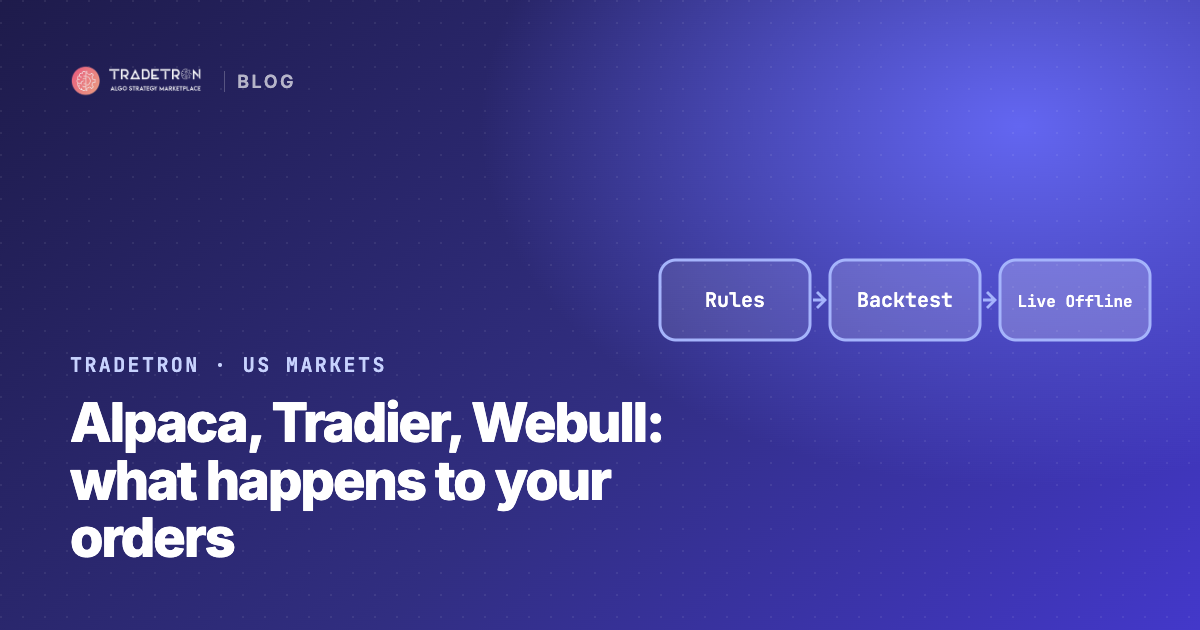
A backtest is necessary and not sufficient. You also need to run the rules on live prices during a real session without any order going out. On Tradetron that mode is Live Offline: it needs no broker, shows every trade it would have placed, and one deployment is included free. How to use it well.
Ask: can I run this for a month on live data without connecting a broker?
5. Do the backtests show their costs?
Tradetron's backtester runs on minute-level data for SPX, SPY, QQQ, NDX and XSP options, with the commissions and slippage you set shown on the report, and a flat per-backtest fee listed on the backtesting page.
Ask: what data granularity, what costs, and does the report say which period it covers?
6. Where does it run?
A strategy on your laptop stops when your laptop sleeps. Tradetron runs strategies on its servers; your devices can be off. The counterpart question is what happens when the platform has a problem: look for error alerts, an "exit on error" setting and a status page.
7. What does the log show?
The log is what you will read when something surprises you. On Tradetron every condition check, order, fill and rejection is logged with the broker's own order ID and reason, so you can match it against the broker's order history line by line.
Ask: show me the log of a rejected order.
8. Who holds the money?
The software should hold none of it. Tradetron is software: your cash, shares and options stay at your broker, and the token it holds cannot move funds. If a platform asks you to deposit with it, it is a broker or an adviser, and different rules apply to it and to you.
9. Can you stop it?
You should be able to stop a strategy from the platform, from the broker's app, and by revoking the connection at the broker. On Tradetron all three work, and any position closed at the broker is noticed and logged by the strategy.
10. What does the whole stack cost?
Add up the platform plan, the backtests, any data fees and your broker's commissions. Tradetron's US plans: free (build, backtest, one Live Offline deployment), Starter at $15 a month for one live strategy, and larger plans for more; all on the pricing page. Broker fees are the broker's.
Where Tradetron fits, and where it does not
It fits a trader who has rules, wants them run in their own US broker account without code, and will test in stages. It does not fit a futures trader today, or anyone looking for strategies to be chosen for them: the marketplace lists strategies published by independent users, with a hypothetical-performance note on every statistic, and the choice stays yours. How the marketplace works for US traders.
Frequently asked questions
Is Tradetron a US company?
Tradetron Inc. is a Delaware corporation. The platform serves US traders through the nine connected US brokers; it is not itself a broker, adviser or custodian.
Do I need to code?
No. The builder expresses conditions, positions and exits as settings. A Python block is available but optional.
Can I try it without a broker account?
Yes. Building, backtesting and one Live Offline deployment work with no broker connected.