“Positions Detail” Keyword: Different Examples of its Uses
Keyword help28,273 views
NelsonTradetron team
This thread will contain examples of different ways to use “Positions Detail” Keyword to restrict the number of entries in a strategy.
Note:
It is used to limit the number of entries.
It is applicable at “Strategy Level” and not at “Set” Level.
Let us take an example:
you have two sets 1 Long and 1 short
Each set has individual exits
1 Universal exit @ 3:15
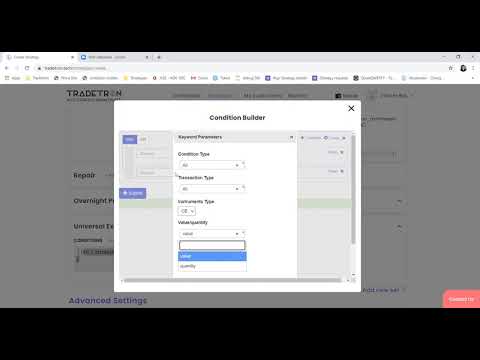
Position detail is set to (Entry, All, Any, Quantity,underlying) == 0.
Now let us say your entry condition x satisfies and since no open positions during the start of the day as it is the first trade the position is equal to zero
The system triggers the order of 100 qty trade. and makes a note that Entry = 100. Now a counter signal is generated, however, when it checks if the Entry quantity == 0 is turns false and the counter trade is not triggered.
Now again new long signal is generated, it checks for Entry qty == 0, it turns false and no trade is triggered the same is true if a Short signal is generated first.once the first trade is taken, the Entry qty is set to 100 and this condition will restrict new orders.
Now let us assume that you have set the Position detail to
(Entry, b, Any, Quantity,underlying) == 0 in the Long Set(Set 1)
and
(Entry, S, Any, Quantity,underlying) == 0 in the Short set(Set 2)
Now again assume that a long signal is generated, since this is the first trade, the current positions in the strategy is zero.
The system fires an order for 100 qty.
This time however, instead of mapping 100 to Entry, 100 qty is mapped to only Buy side Entry
now when the exit happens, and a counter signal is generated. The sell side position is still zero
hence it will take a short trade.
From here onwards:
Entry B is set to 100
Entry S is set to -100
Please check the following videos and multiple examples and combinations in which the keyword can help you:
NelsonTradetron team
Positions Detail Keyword - Qty as 0, To take trade only once, Either Long or Short on Tradetron
You can also check Strategy Creation Video, to understand how to use positions detail in different scenarios for Options Trading:
NelsonTradetron team
Positions Detail Keyword - Value, List of Stocks
NelsonTradetron team
Positions Detail Keyword - Multiple Sets One for Buy, One for Sell, Or Multiple legs
NelsonTradetron team
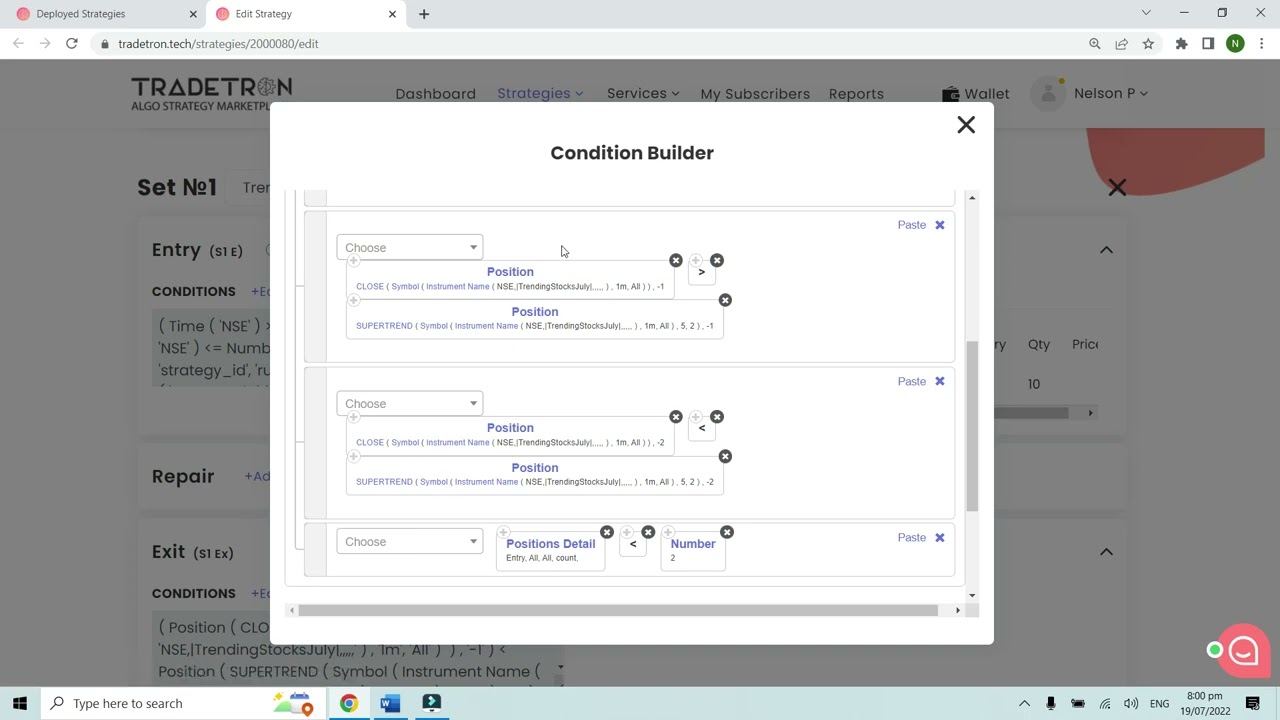
Positions Detail Keyword - Qty greater than 0 - Only long positions Open
NelsonTradetron team
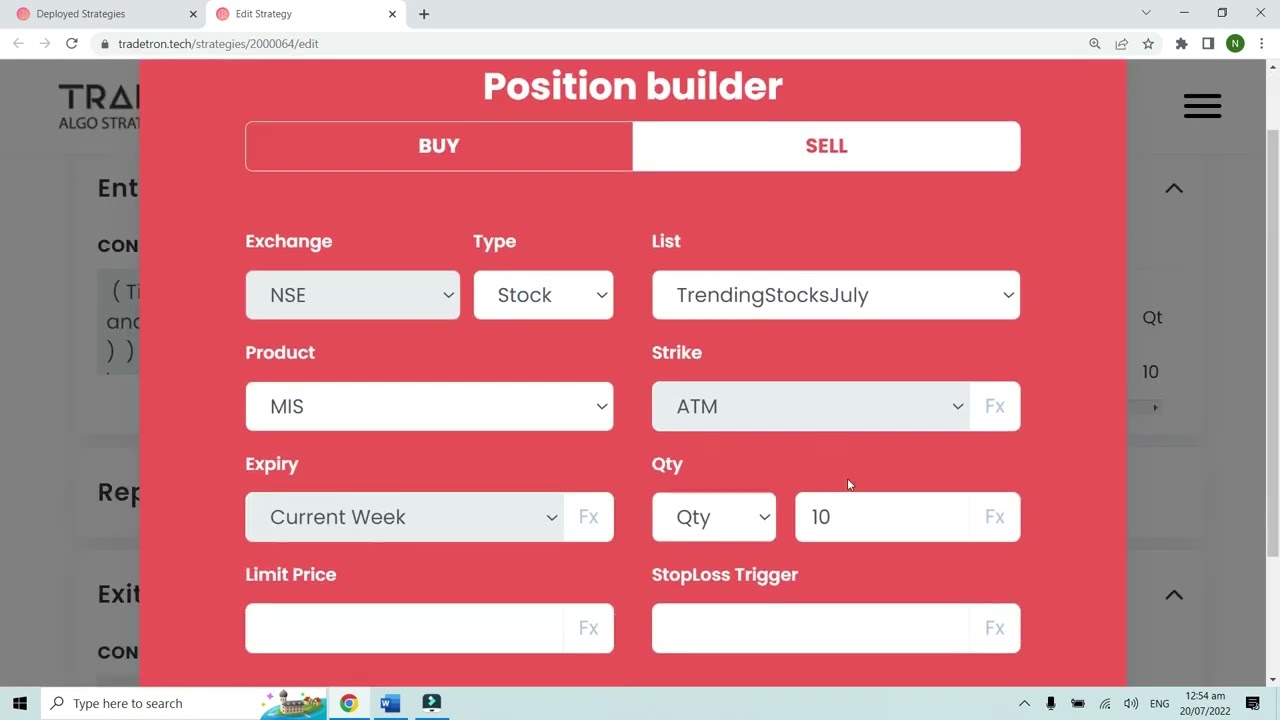
Positions Detail Keyword - Limit or Restrict trade On list of Stocks
NelsonTradetron team
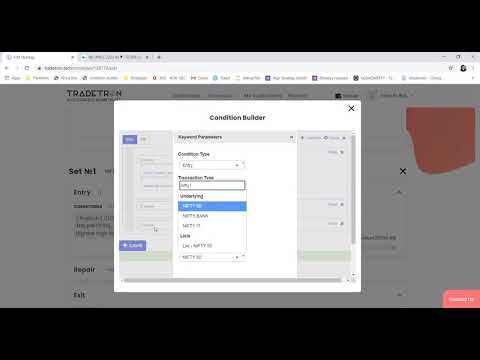
Question: I want to take short sell entry only upto 10 times in Nifty 50 Option:
Solution:
Here, note that 1 lot size of Nifty is 50, So for 10 Lots the number is 500, hence the number 501 select that is slighthly higher than 500.
Question: What is ‘quantity’ & ‘count’ in positions detail, what is the difference?
Answer:
Quantity will fetch the quantity. So, let’s say you go long in Nifty Futures in Entry, then it will fetch 50. If shorted then it will fetch -50.
For Positions Detail (Entry, Count) : It will check the number of times it took an entry.
Let’s say you go long on the Future, then book profit, then go long again, your Count will be 2.
NelsonTradetron team
The following example will do 2 things for the selected underlying of Nifty 50 stocks:
It will take only one trade per stock.
The overall value of the strategy will not exceed 50,000.
NelsonTradetron team
The following example is used when you have 2 separate sets for List of Stocks:
1 Set for Buy and 1 Set for Sell Position:
If you want to take Buy Entry once in a list of Stocks, you will use below construction in the Entry condition of Set that has Buy Position:
The following example is used when you have 2 separate sets for List of Stocks:
1 Set for Buy and 1 Set for Sell Position:
If you want to take Buy Entry 2 Times in a list of Stocks, where the value you are trading in each stock is 5000, you will use below construction in the Entry condition of Set that has Buy Position:
Similarly, If you want to take Sell Entry 2 Times in a list of Stocks, where the value you are trading in each stock is 5000, you will use below construction in the Entry condition of Set that has Sell Position:
Sell Side:
To take entry on the Sell Side in the first 2 Stocks that meet the Entry on the Sell Side and each stock can enter only once on the Sell side.
Open Positions keyword is used to limited the trades to a certain number, greater than once or just 1. Please do not select “Underlying” when using “Open Positions” Keyword. Keep it as blank as shown in the image. As per the example in image the number of positions it will take will be limited to 5. This keyword can be used to control number stocks in the list are currently trading (means placed order)
Please note that Open Positions keyword only works when there is delay between positions of two instruments
if the signals for all instruments come at the same time then this keyword will not work
Limiting the positions can only be done by reducing your list size there is no other way
Also, please note:
Open position keyword will limit the no of open position but position detail keyword will limit the no of order getting triggered.
For eg:
Open position keyword will allow only 4 open positions at any given time
provided, all signals are not coming at the same time
secondly, Open positions allows 4 open positions, which means if one of the positions closed, it will allow one new one to open.
Question 1:
Ok so Open Positions < 4 will restrict to 4?
Answer: Yes; but again; if number of stocks satisfying entry are greater than open position restriction at the same time simultaneouly; this shall not work
Question 2:
If i write open position < 5 without mentioning underlying in both my sets of buy and sell , it will count total position to 5 or separtely for buy set1 and sell set2:
Answer: Total count
Santhosh
Great content, I was struggling to achieve this condition due to selection of list in underlying.
Many thanks Mr. Nelson
Tradetron TeamTradetron team
Update (2026): for “how many positions are open right now”, use the Open Positions Detail keyword. The older Open positions keyword in post #18 is deprecated for this.
Positions Detail counts all trades in the counter, including closed ones. It is cumulative and resets only on Universal Exit. Use it to limit how many times you enter.
Open Positions Detail looks only at currently open positions, and its count is correct for “only N open at a time”. It accepts the |LIST NAME| form for list strategies.
Both work at strategy level, not set level.
If many stocks signal at the same instant, a count check can let all of them in on that check. Reducing the list size is the only reliable fix in that case.
A simple alternative for “enter only once” is a runtime-variable counter: initialize to 1, check == 1 in Entry, set to 2 on entry. Keyword reference: Keyword Documentation — Tradetron
Answer written with AI from Tradetron docs (Oct 2026). Original replies are kept above. Spot something wrong? Reply below.


 Nelson
Tradetron team















 Answer written with AI from Tradetron docs (Oct 2026). Original replies are kept above. Spot something wrong? Reply below.