

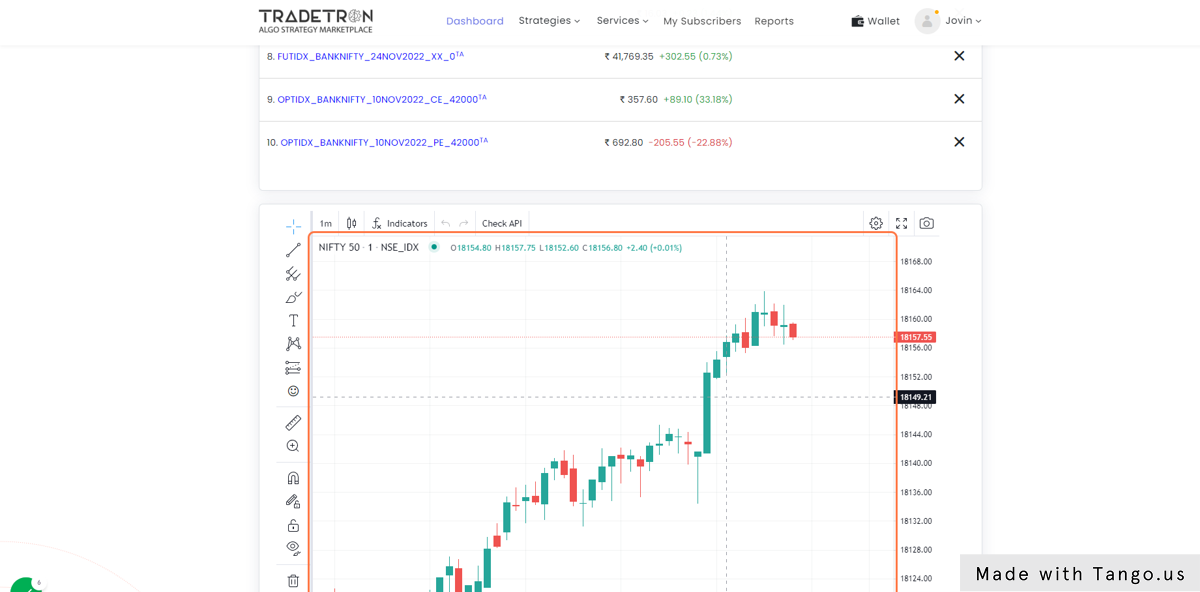
To open a TradingView chart for any instrument inside Tradetron:
- Go to Dashboard
- Click on Market Watch
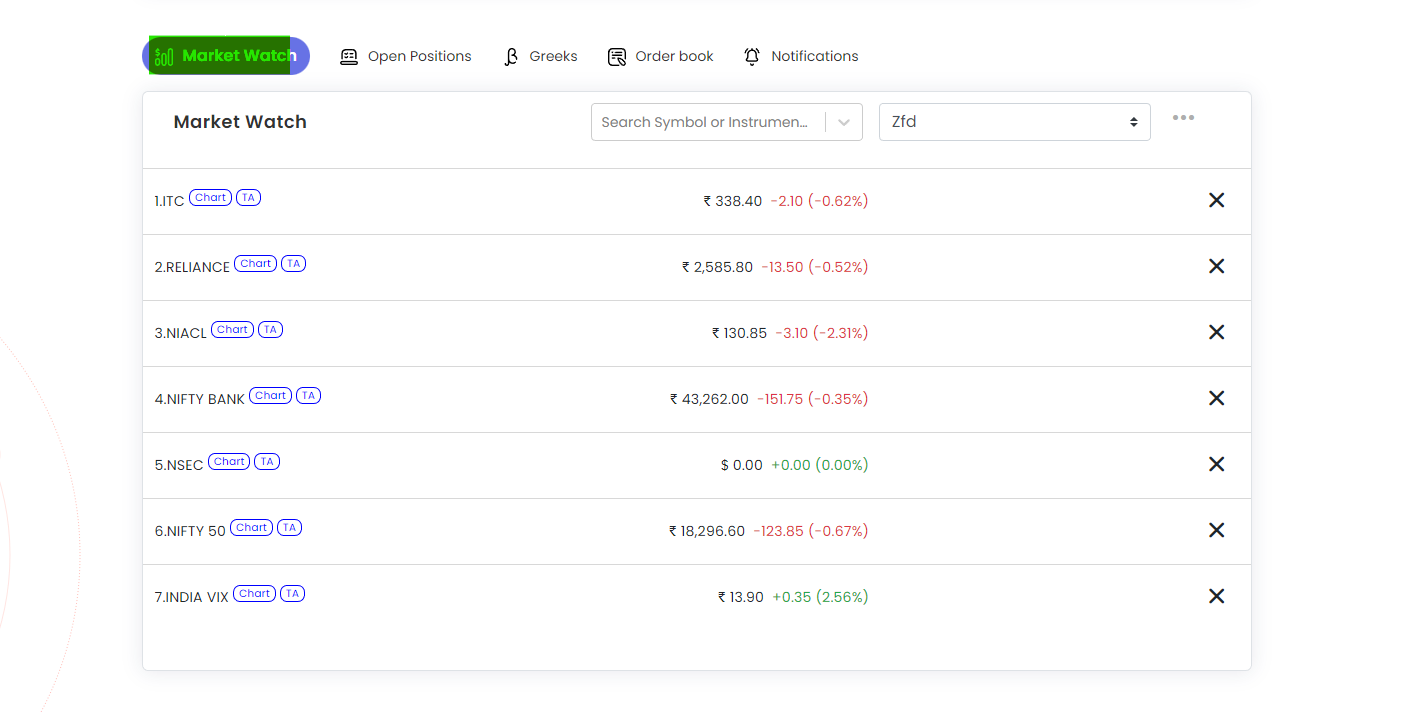
- Click on Search Symbol or Instruments
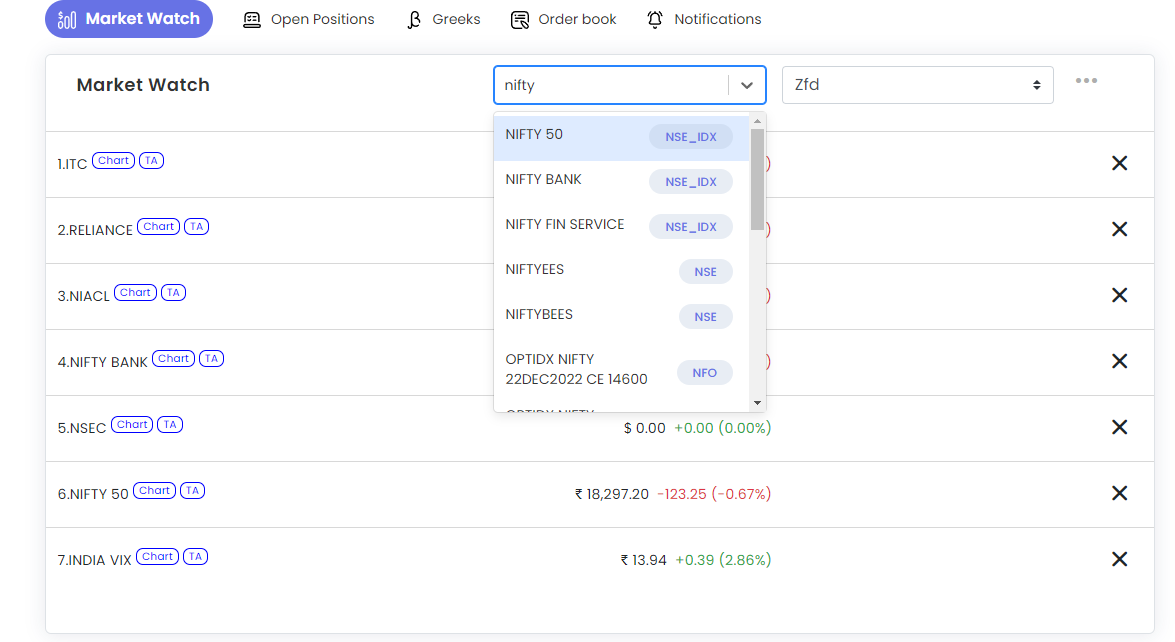
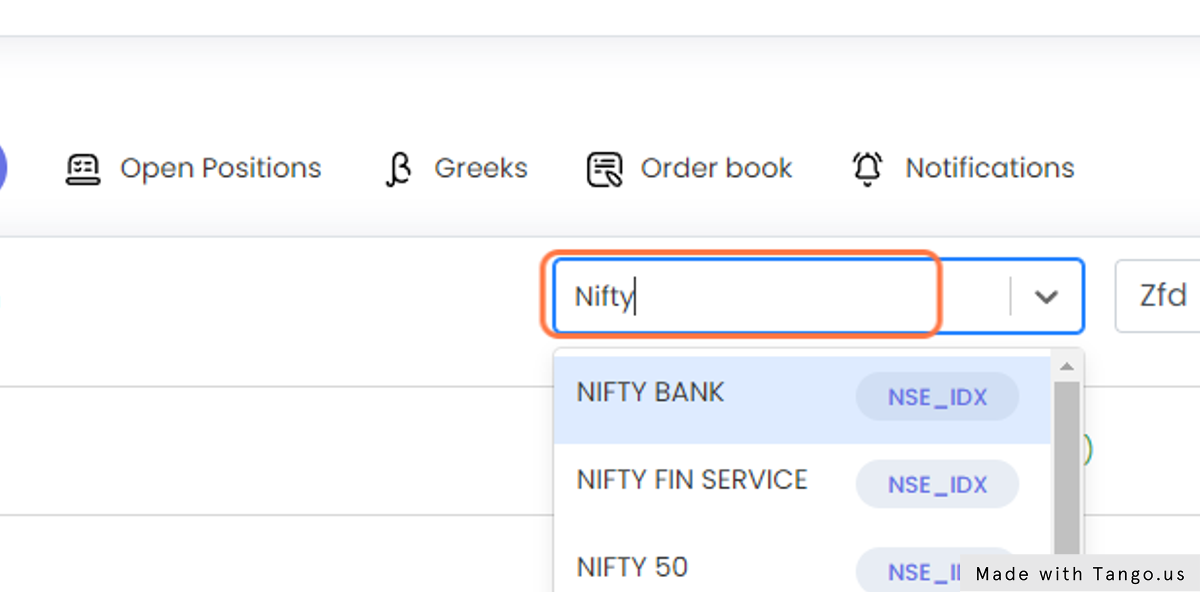
- Type “Nifty” or any instrument you want
- Click on the chart button next to the instrument name from watchlist
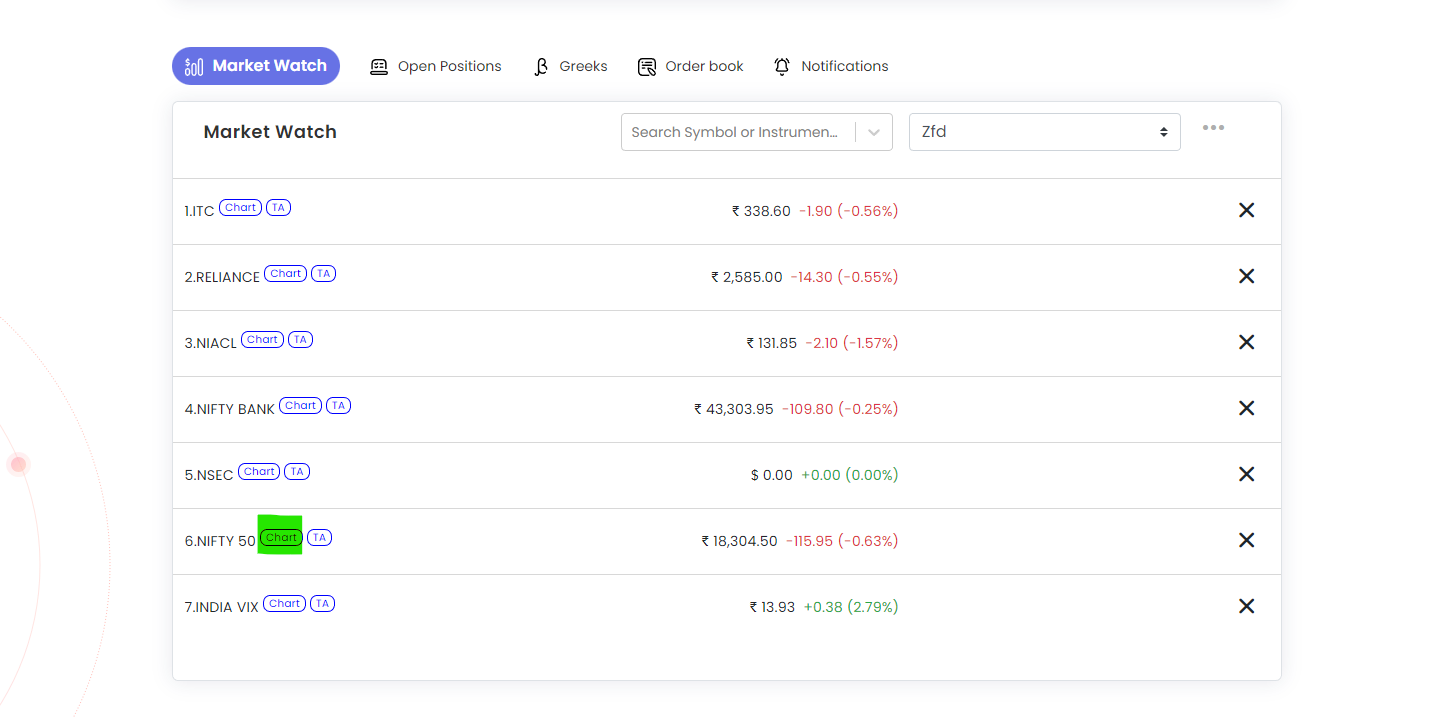
- TV chart will appear at bottom
 Edited with AI from the original Tradetron article, checked against current docs (Oct 2026). Spot something wrong? Tell us in the Community.