

You can export a strategy as a file from one Tradetron account and import it into another. Conditions, position builders, advanced settings and Python code come across.
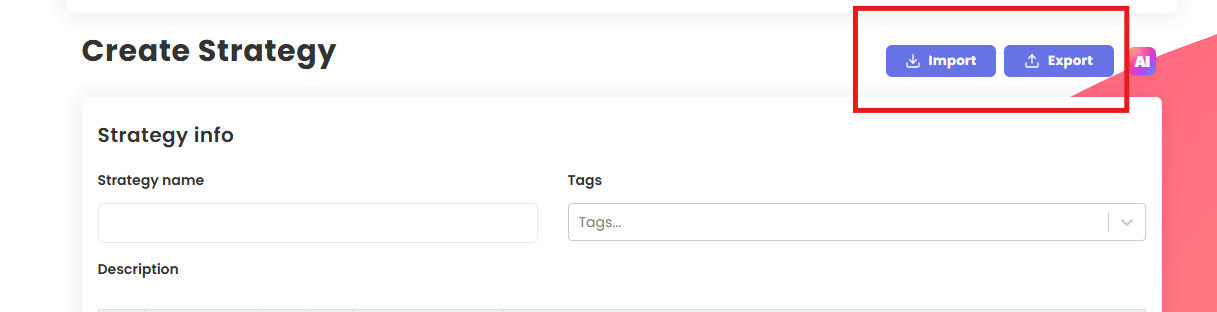
Export
- Open My Strategies.
- Click Edit on the strategy.
- Click Export (top right) and save the file.
Import
- Log in to the other Tradetron account.
- Click Create, then Advanced. A new template opens.
- Click Import (top right) and upload the file.
- Check the strategy, then save.
Before you deploy
Open the imported strategy and check each leg’s expiry, strike and quantity.
Lists
- Custom lists belong to one account. A strategy built on a custom list cannot be imported. Import the list on its own (as CSV), then rebuild the strategy around it.
- Tradetron’s default (premade) lists work with import and export.
Video walkthrough: https://youtu.be/_07kX_ceyvk?si=7Cc-aCJXHrGR1cnH
 Edited with AI from the original Tradetron article, checked against current docs (Oct 2026). Spot something wrong? Tell us in the Community.