

Paste Exit in the position builder pastes the opposite of the legs you copied. Use it to build closing legs quickly.
Steps
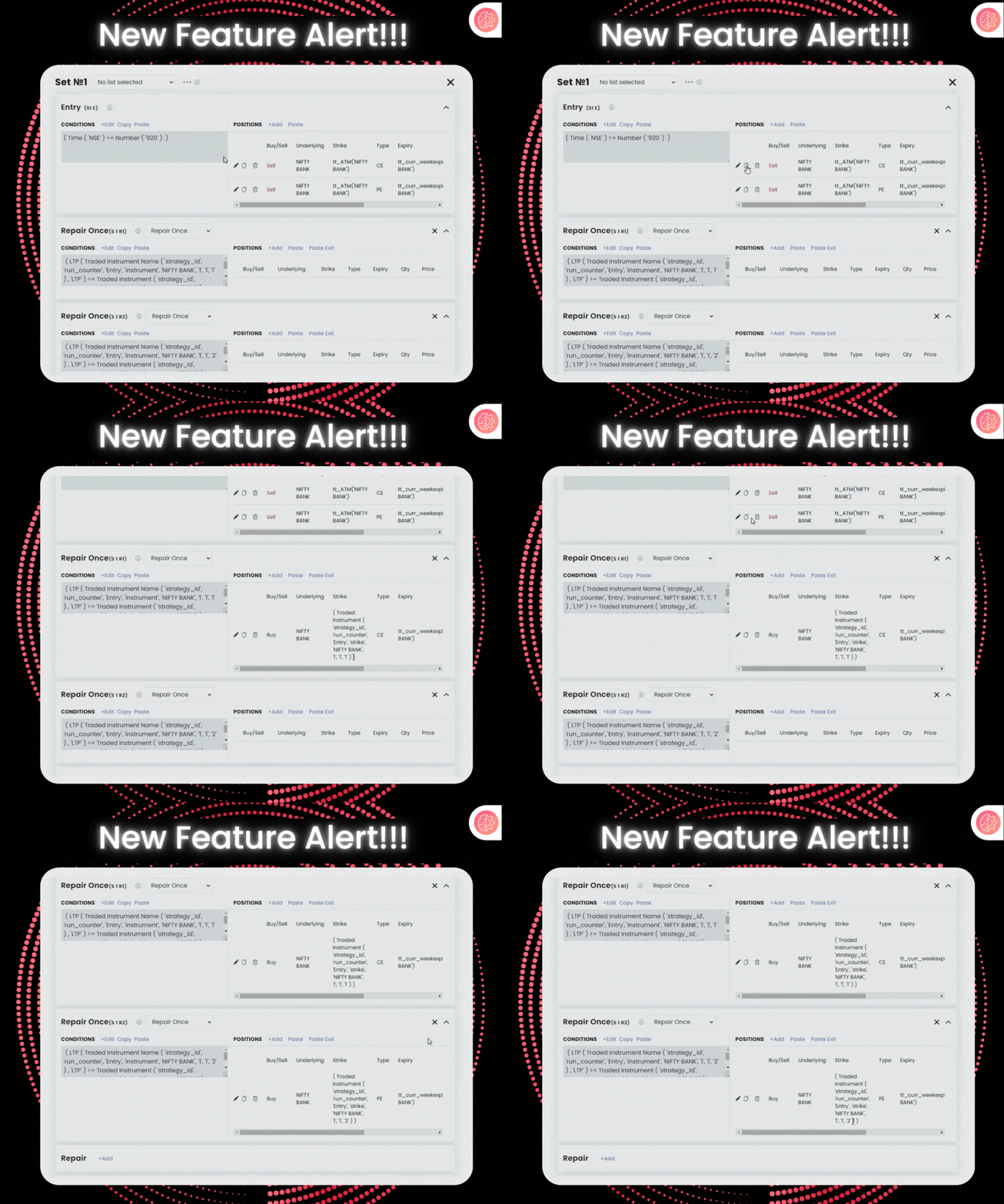
- Copy your entry legs.
- Open the position builder of the repair where you want the exit.
- Click Paste Exit.
The positions are reversed, and the strike field is set to the Traded Instrument strike of the copied leg.
 Edited with AI from the original Tradetron article, checked against current docs (Oct 2026). Spot something wrong? Tell us in the Community.