

Open the Profile page to edit your details. You can change:
- Display name and registered mobile number
- Picture and description
- GST and PAN numbers
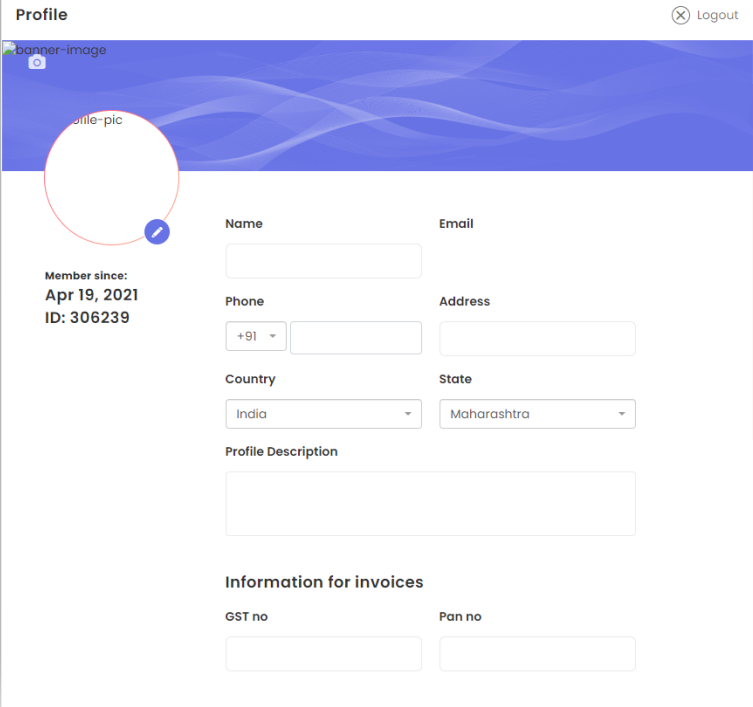
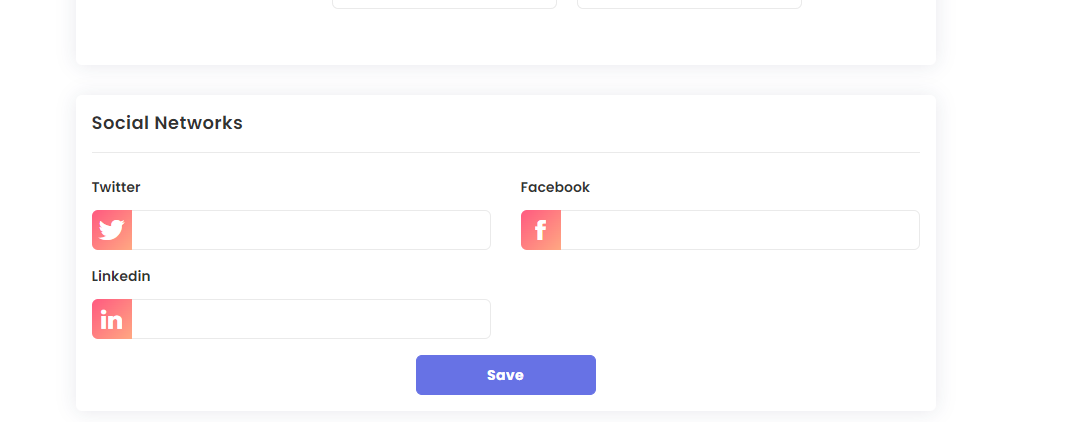
You can also add links to your social media accounts and your Twitter (X) feed. Your picture, background and description show on your public profile page.
To change your password, open the profile menu (top right) and click Change Password. Your login email cannot be changed here; chat with support on tradetron.tech for that.
 Edited with AI from the original Tradetron article, checked against current docs (Oct 2026). Spot something wrong? Tell us in the Community.