

Paper Trading has been replaced by Live Offline. Live Offline runs the strategy on live market data and records every trade, but sends nothing to the exchange.
Steps
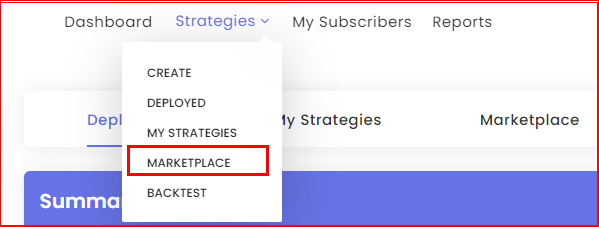
- Open the Marketplace.
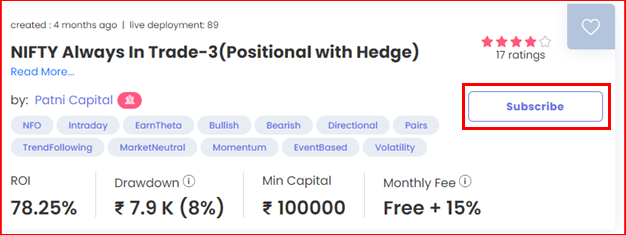
- Click Subscribe on the strategy you want.
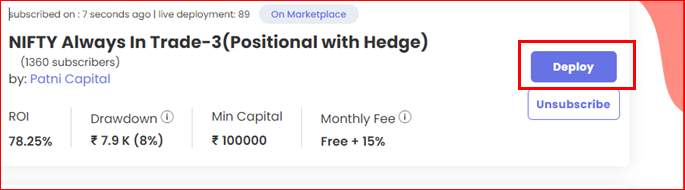
- The strategy now appears on your My Strategies page. Click Deploy next to it.
- In the Deploy window, set Execution Type: Live Offline and pick a broker. No broker account? Add any broker on Broker & Exchanges with dummy credentials first.
- Click Deploy. Open the Deployed page: the strategy shows as Active and takes trades when the creator’s conditions are met.
Good to know
- A Live Offline deployment uses a plan slot, the same as Live Auto. The Free plan allows one deployment at a time.
- Live Offline fills at LTP, so results won’t match Live Auto exactly. Use it to check the logic.
 Edited with AI from the original Tradetron article, checked against current docs (Oct 2026). Spot something wrong? Tell us in the Community.