

The strategy creator raises the profit-sharing invoice (usually monthly, depending on their settings). You get an email with the invoice and a link to pay.
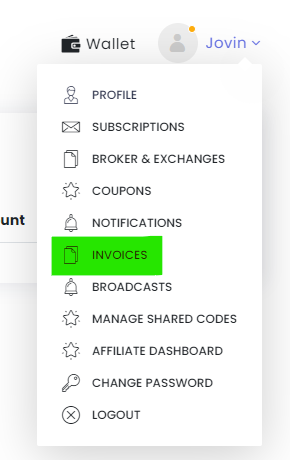
You can also find your invoices under Profile → Invoices:
- TT Invoice: click Pay Now.
- Offline Invoice: download it and pay the creator directly using the bank details or payment link on it.
Profit sharing is charged only on profit, only on Live Auto and Live Auto One-Click deployments, and only on new high-water-mark profit.
For a payment dispute, chat with support on tradetron.tech.
 Edited with AI from the original Tradetron article, checked against current docs (Oct 2026). Spot something wrong? Tell us in the Community.