

Use the Exit All button on the Dashboard. (The Deployed page has no bulk exit; there you exit one deployment at a time.)
- Open the Dashboard.
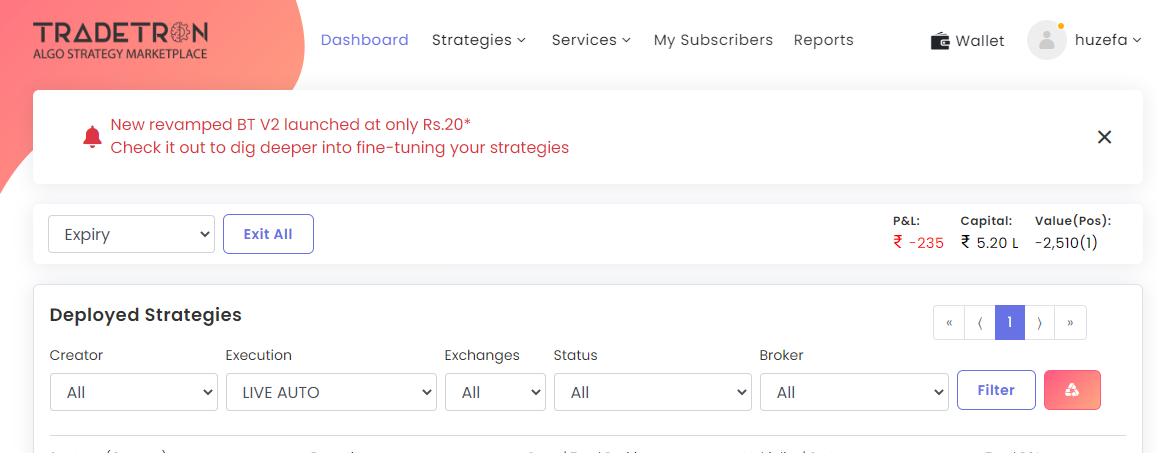
- Click Exit All (next to the Expiry/Today filter).
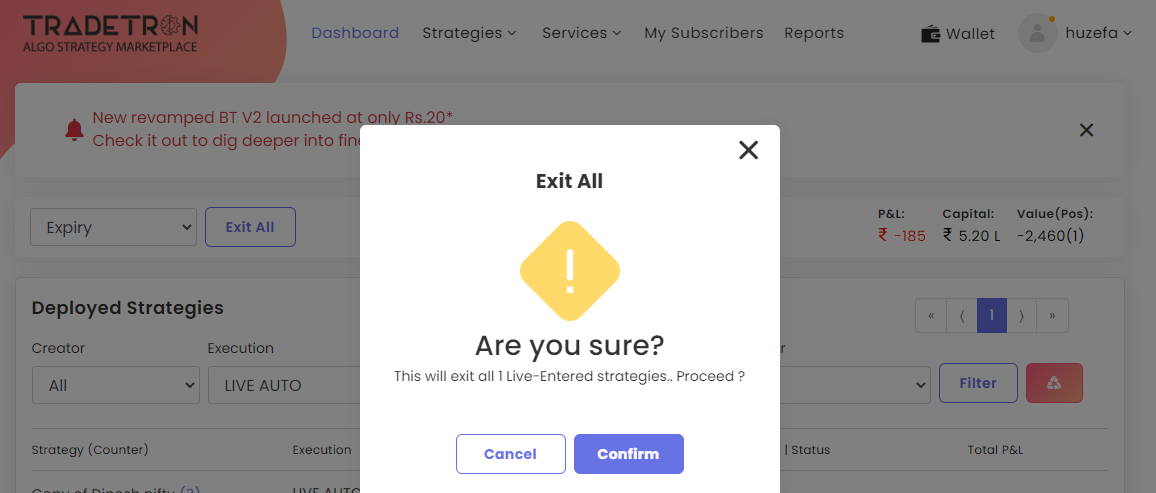
- Confirm.
What to expect
- Exit All acts on deployments that hold open positions. Deployments with no positions are not touched.
- Exits go leg by leg, so positions show Exit Pending for a short time.
- Live Offline deployments stay in Exit Pending, because no order goes to a broker. Set the open quantity to 0 for those.
- Check your broker terminal afterwards to make sure everything is closed.
For a planned group exit (e.g. at a total profit or loss), use Portfolio Management with a portfolio target or stop loss instead.
 Edited with AI from the original Tradetron article, checked against current docs (Oct 2026). Spot something wrong? Tell us in the Community.