

FlatTrade needs a static IP and an API key that the broker has to approve manually. Follow these steps.
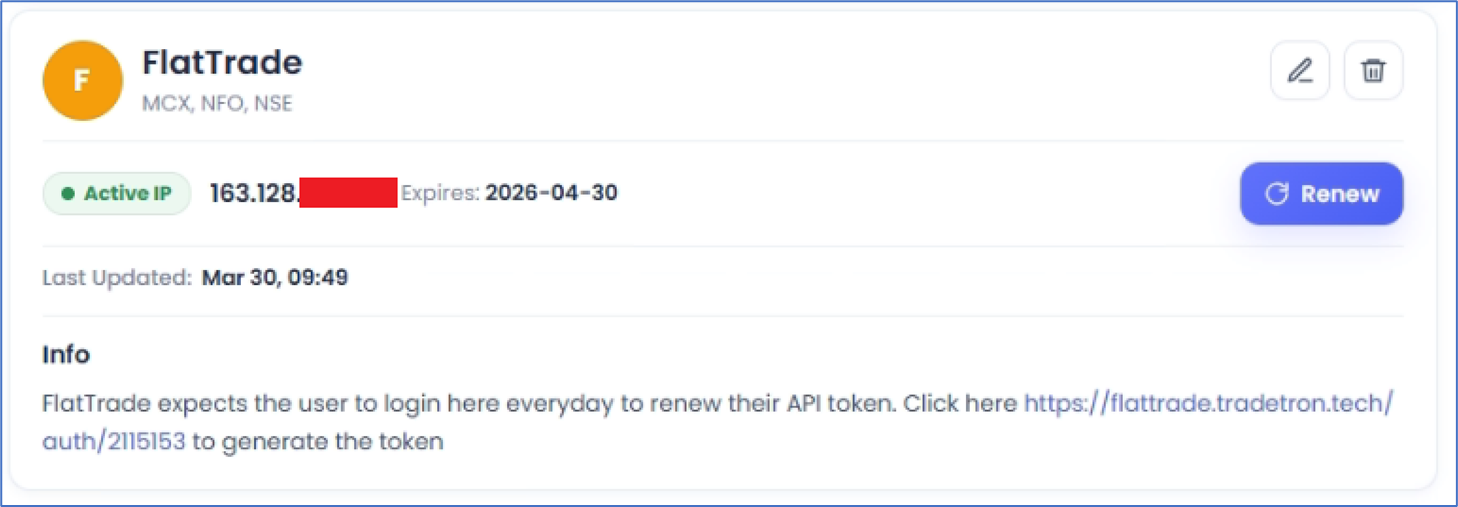
- On Tradetron, open the Broker and Exchanges page, enter dummy credentials for FlatTrade and save (only for now).
- Buy a Static IP from the same Broker and Exchanges page.
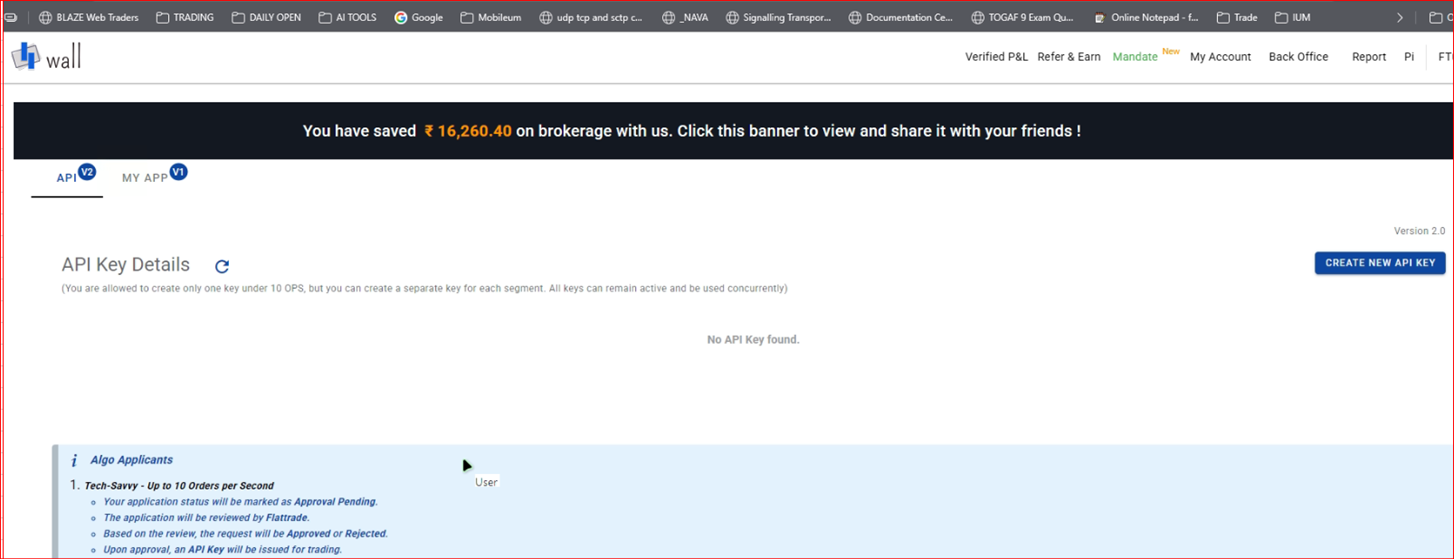
- Log in to Wall on FlatTrade.
- Go to API V2 and create a new API key.
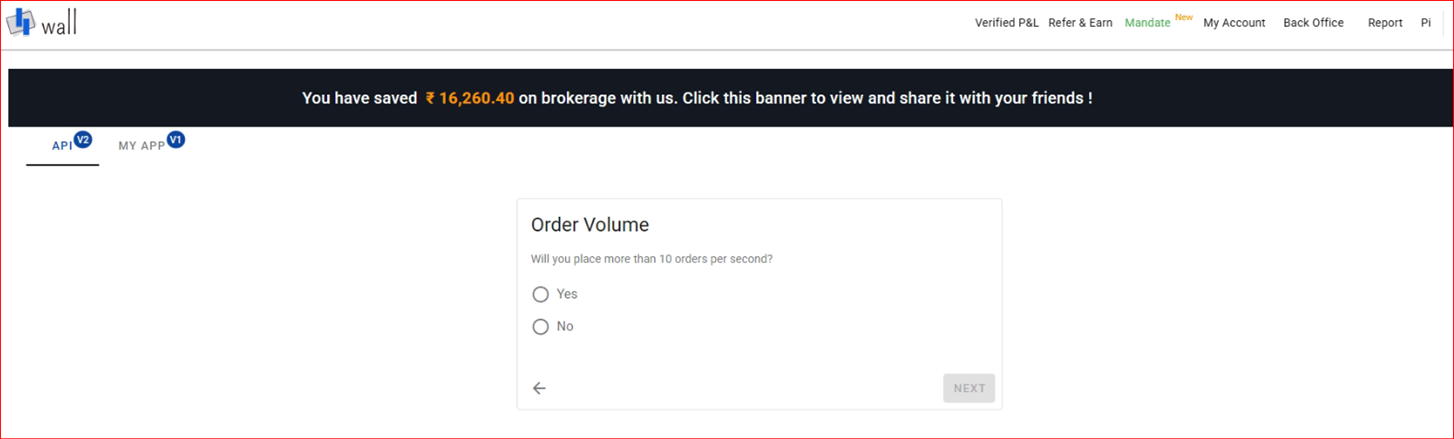
- Select No on this page:
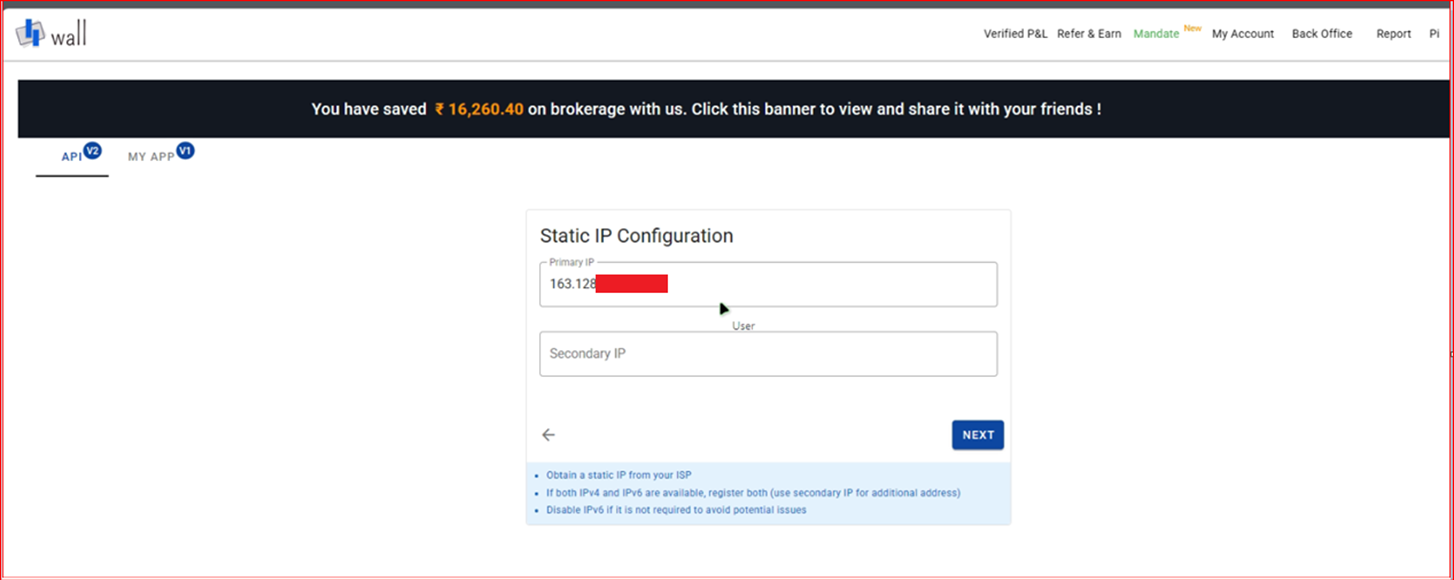
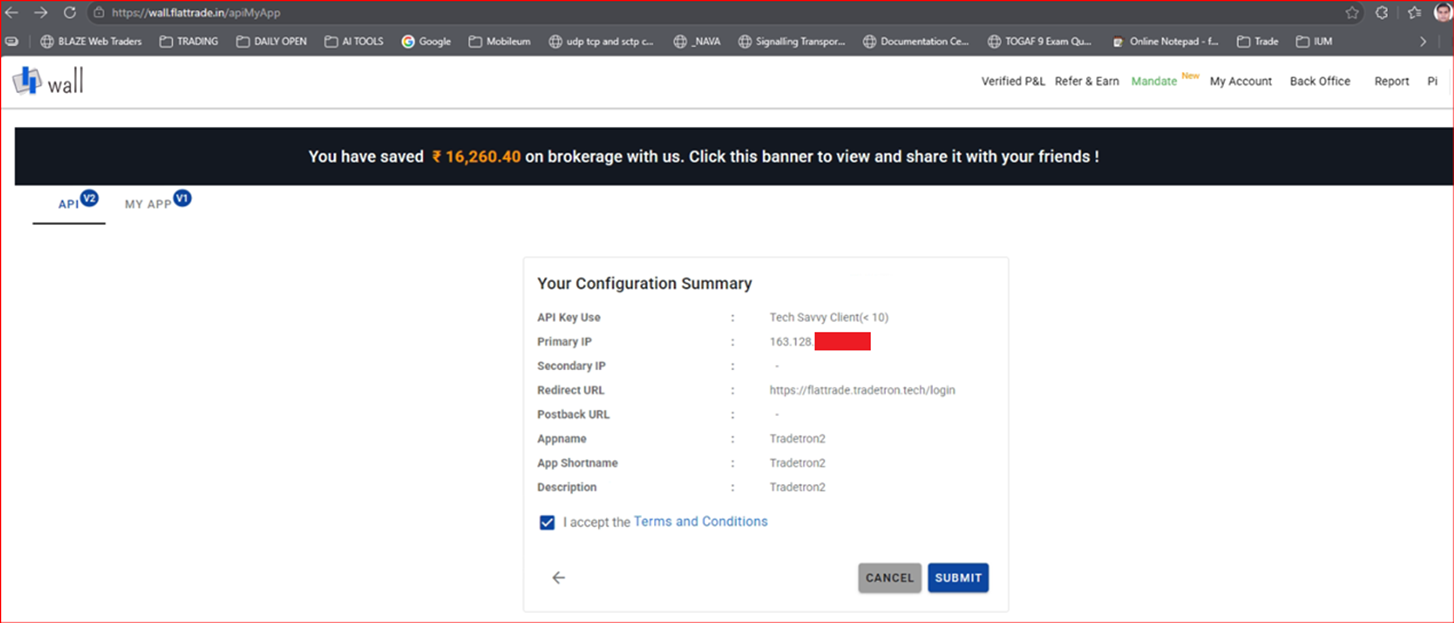
- Enter the Static IP you bought as the Primary IP. Leave Secondary IP blank.
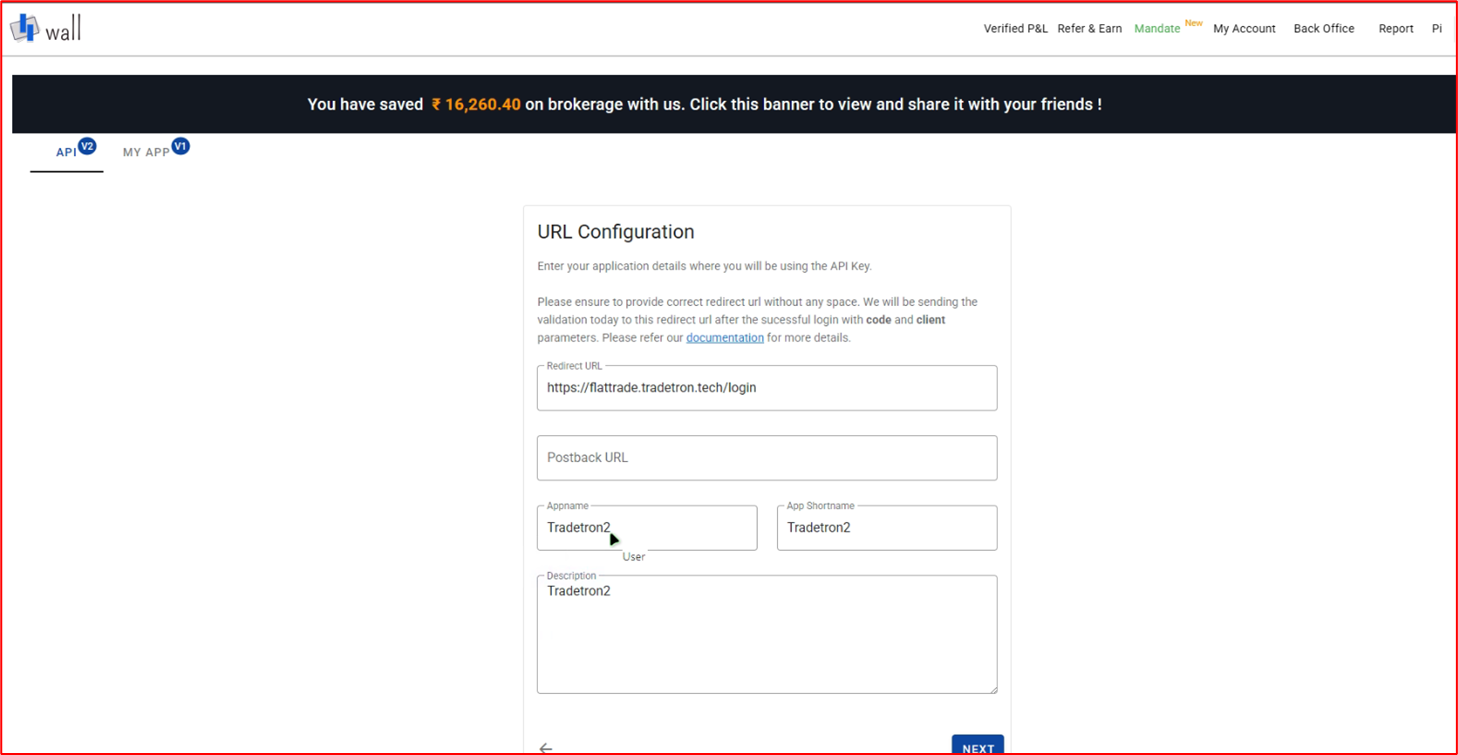
- Fill in the Redirect URL and other details as shown:
- Click Submit.
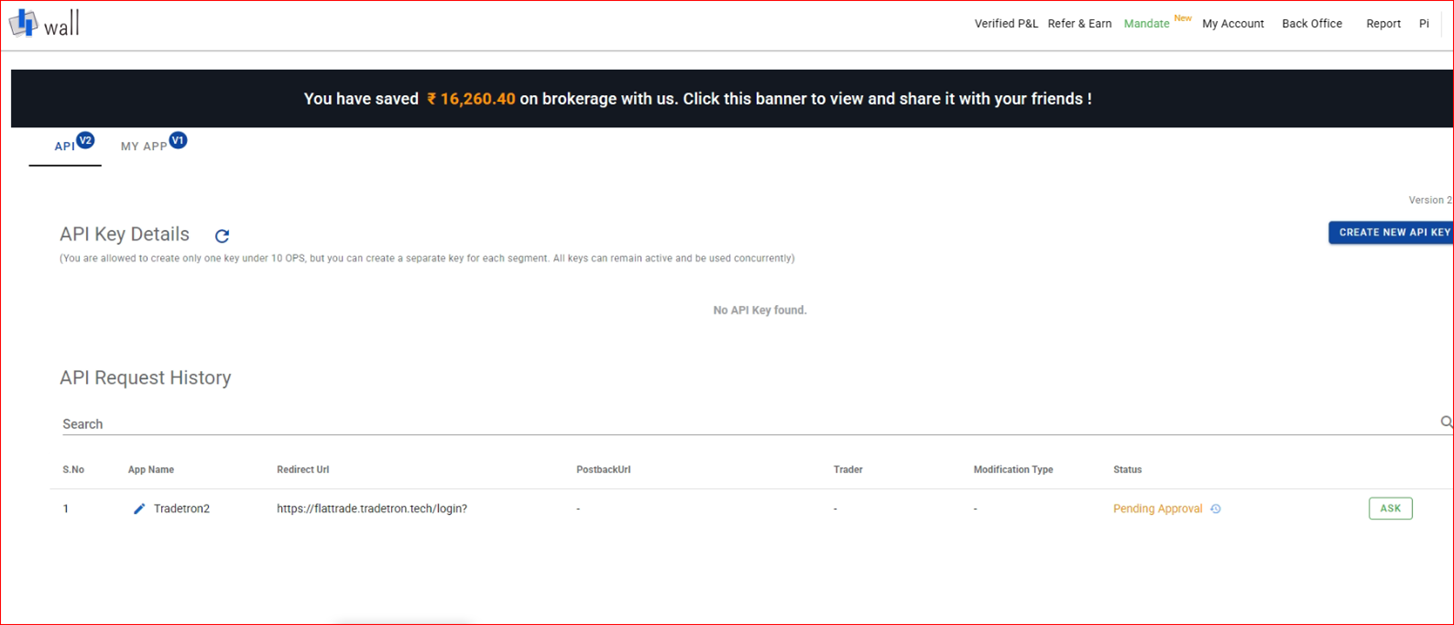
- It may show Pending Approval. Contact FlatTrade support to get it approved.
- Once approved, your App Key and Secret Key appear.
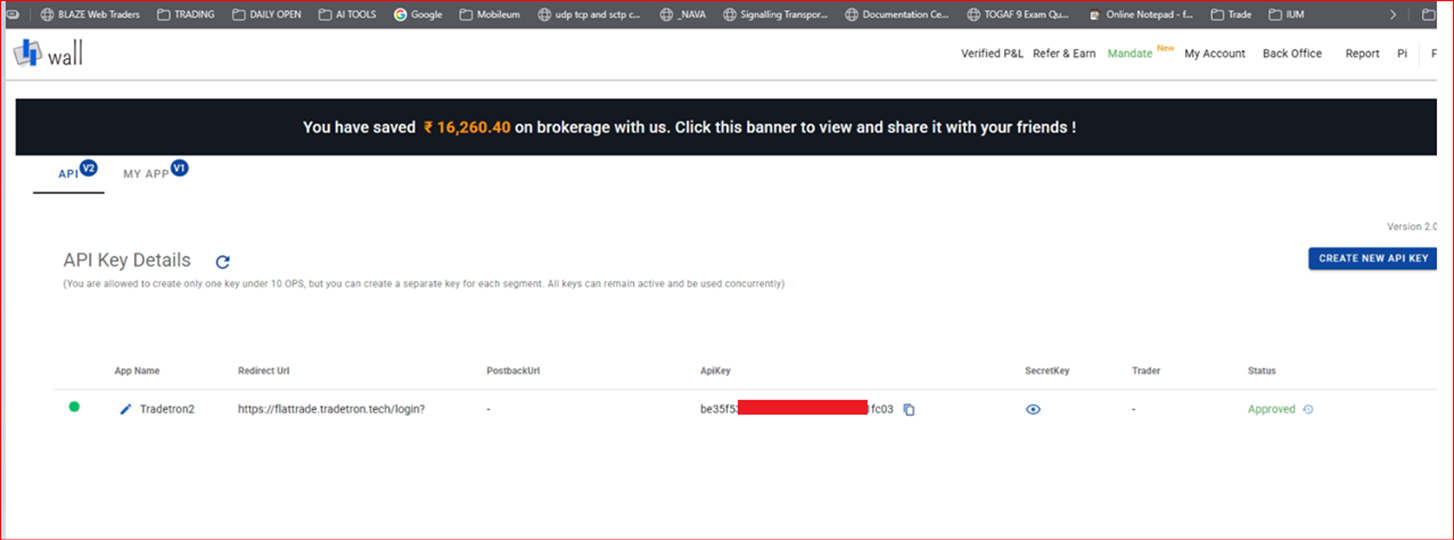
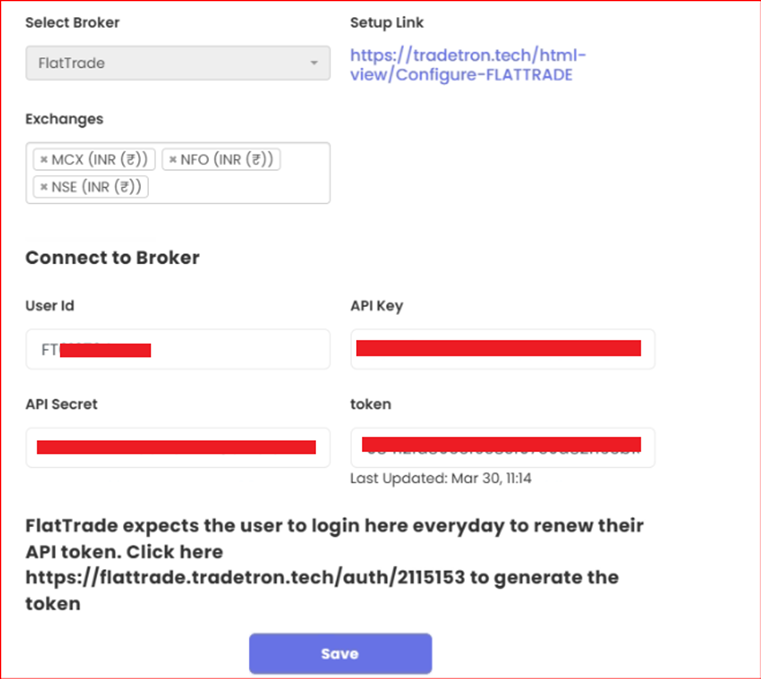
- Enter these keys on the Broker and Exchanges page in Tradetron.
- Leave Token blank.
- Click to generate the token.
- Deploy a fresh strategy. It should now place orders.
 Edited with AI from the original Tradetron article, checked against current docs (Oct 2026). Spot something wrong? Tell us in the Community.