

Different platforms take data from different sources. So Tradetron’s prices may not exactly match your broker or another charting site. Your strategy always acts on the data Tradetron received, which you can see in the notification logs.
Check the data Tradetron received
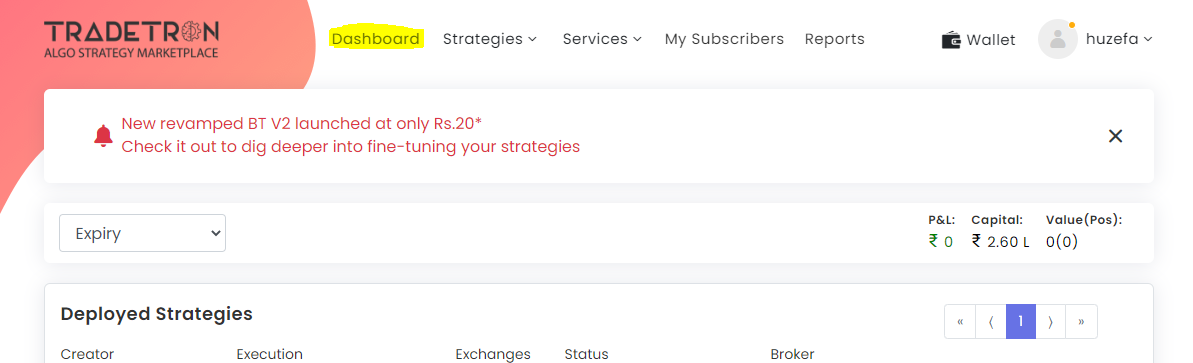
- Open the dashboard.
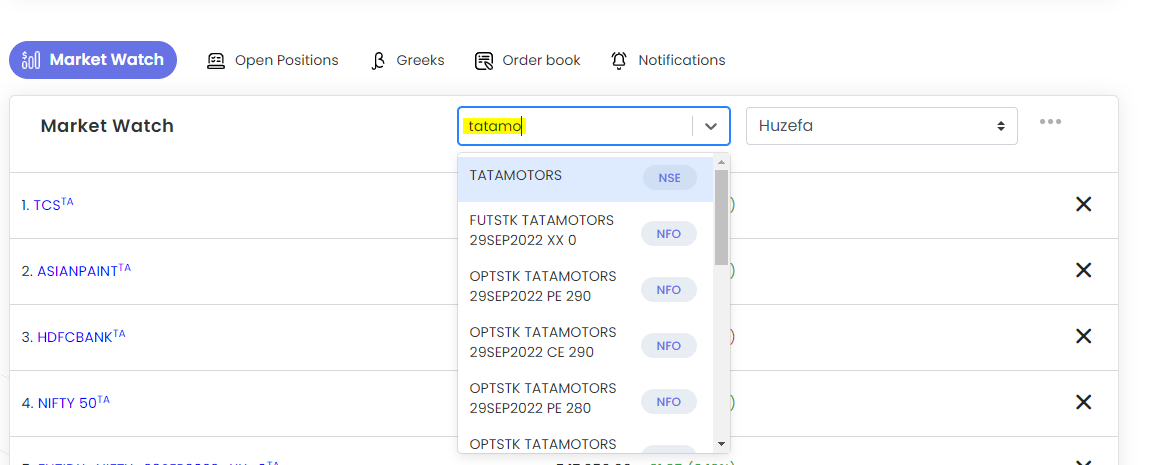
- Go to Market Watch and add the instrument. You can add stocks, futures, options, currencies and crypto.
- Click the instrument to see its chart below it.
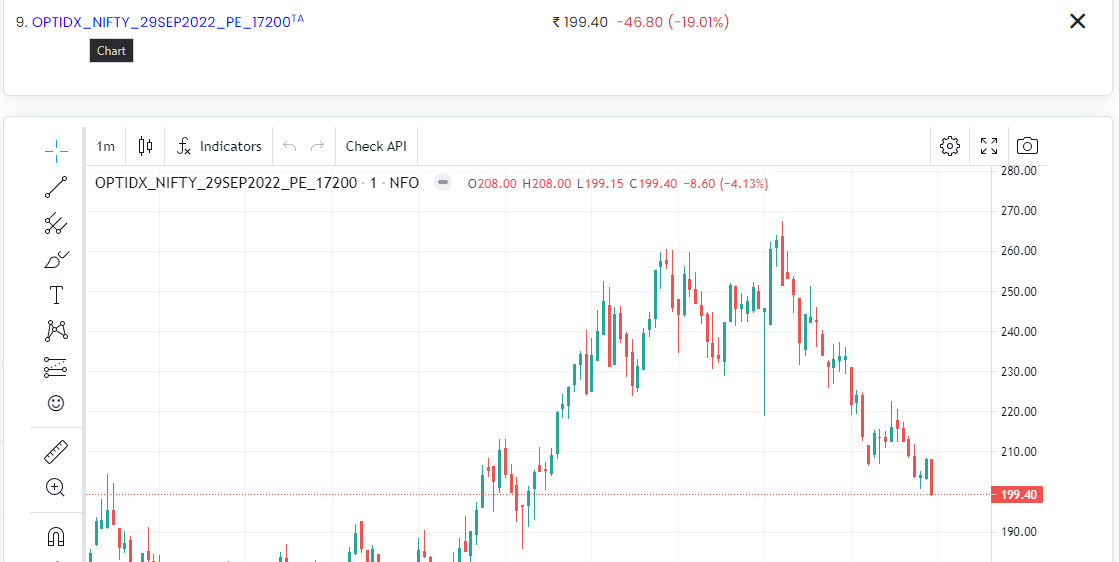
If the price looks frozen, check Volume first: an illiquid instrument may simply not be trading. If the feed looks truly stuck, chat with support on tradetron.tech.
 Edited with AI from the original Tradetron article, checked against current docs (Oct 2026). Spot something wrong? Tell us in the Community.