

Delta India V2 is the integration used to connect your Delta Exchange India account. It uses your UID and an authorization step. No static IP is needed.
Steps
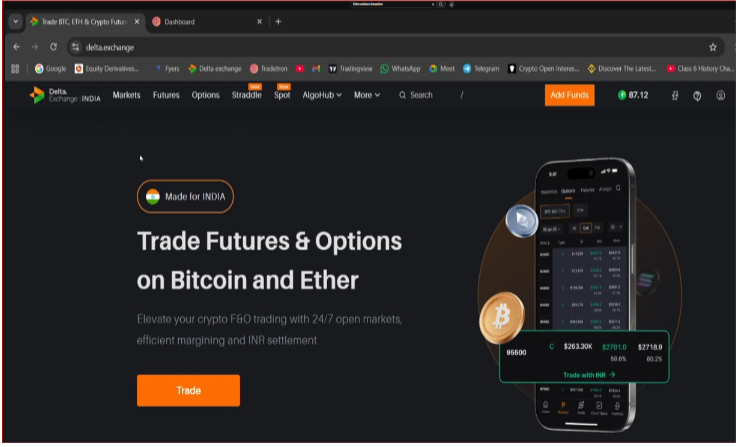
- Open a fresh browser with two tabs: log in to Delta Exchange India in one and Tradetron in the other.
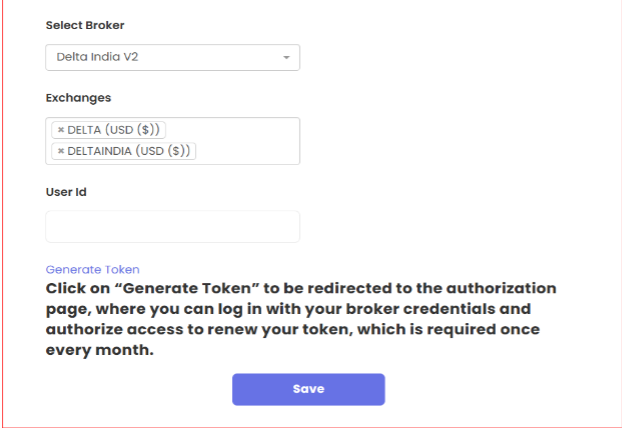
- On Tradetron, go to Broker & Exchanges and add the broker Delta India V2.
- In the Exchanges section, DELTA USD is added by default. Also add DELTAINDIA USD.
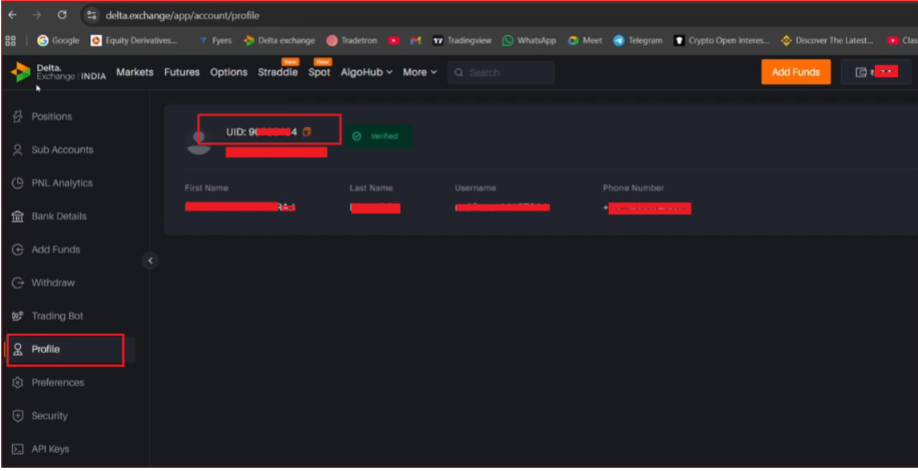
- On Delta Exchange India, open your profile and copy your User ID (UID).
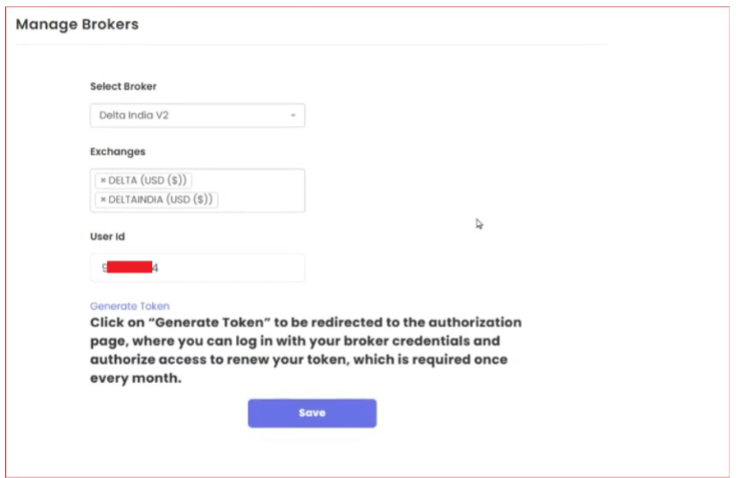
- Back on Tradetron, paste the UID into the User ID field and save.
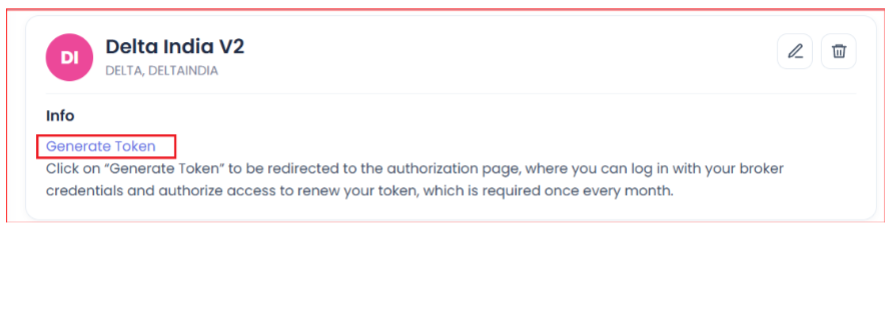
- Click Generate Token.
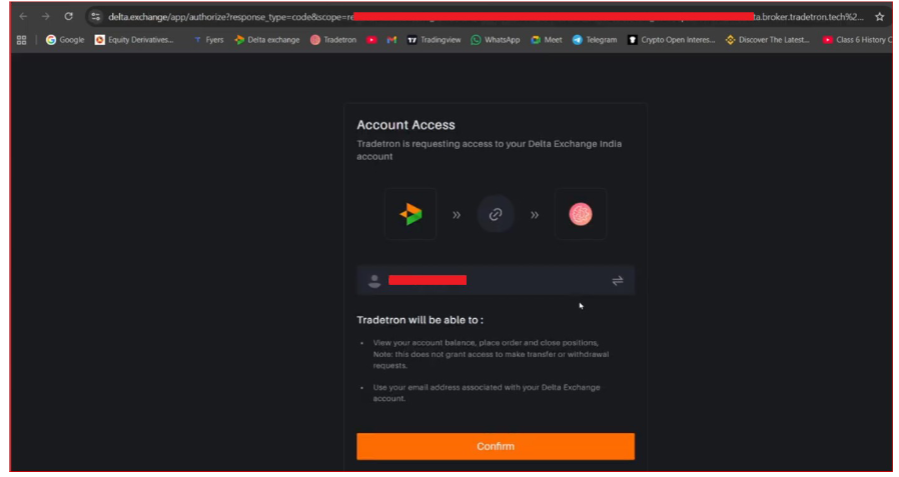
- You are taken to the Delta–Tradetron authorization page. Click Confirm.
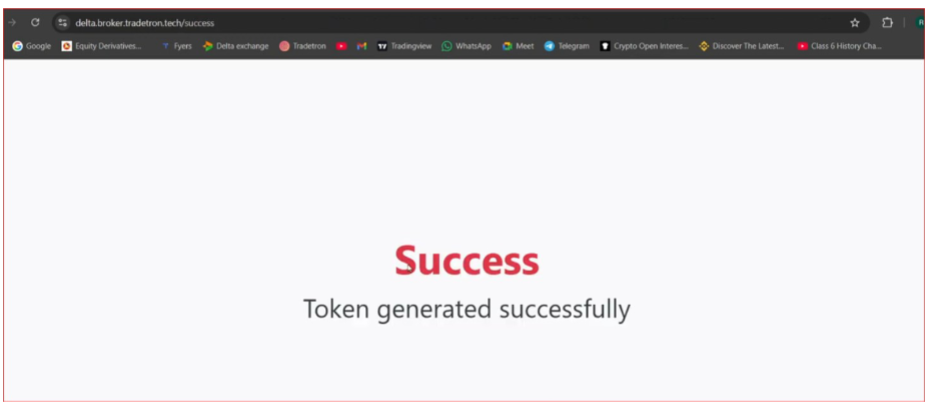
- You will see “Token Generated Successfully”. You are ready to trade.
Token renewal
The Delta India V2 token is renewed once a month, not daily. The broker card on Broker & Exchanges shows when it was last updated.
 Edited with AI from the original Tradetron article, checked against current docs (Oct 2026). Spot something wrong? Tell us in the Community.