

Angel One needs the static IP you buy on Tradetron registered in your SmartAPI app. The static IP is a paid add-on bought per broker on the Broker & Exchanges page: ₹100 for 1 month, ₹250 for 3 months or ₹1000 for 1 year. It is tied to one broker on one Tradetron account, so pick the right broker before you buy.
Set up the connection
- On Tradetron, open Broker & Exchanges, add Angel One with dummy credentials and save. This is only so the static IP option appears.
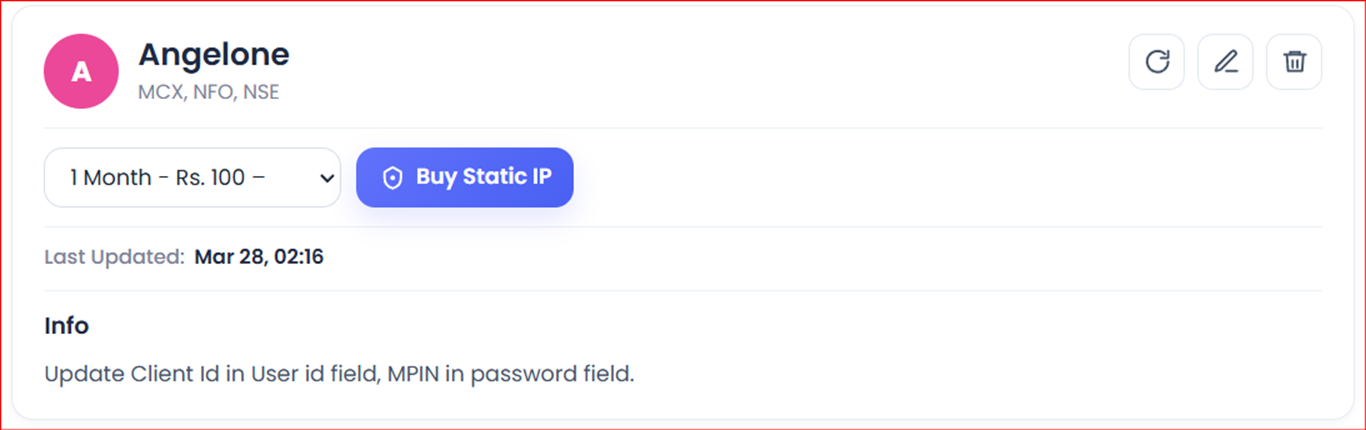
- Buy the static IP from the same page.
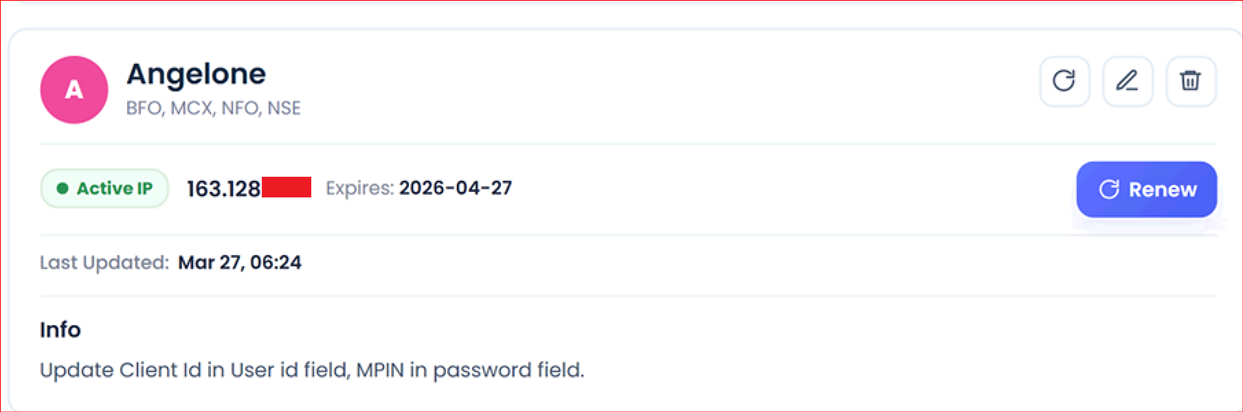
- Once bought, it shows on the Broker & Exchanges page like this:
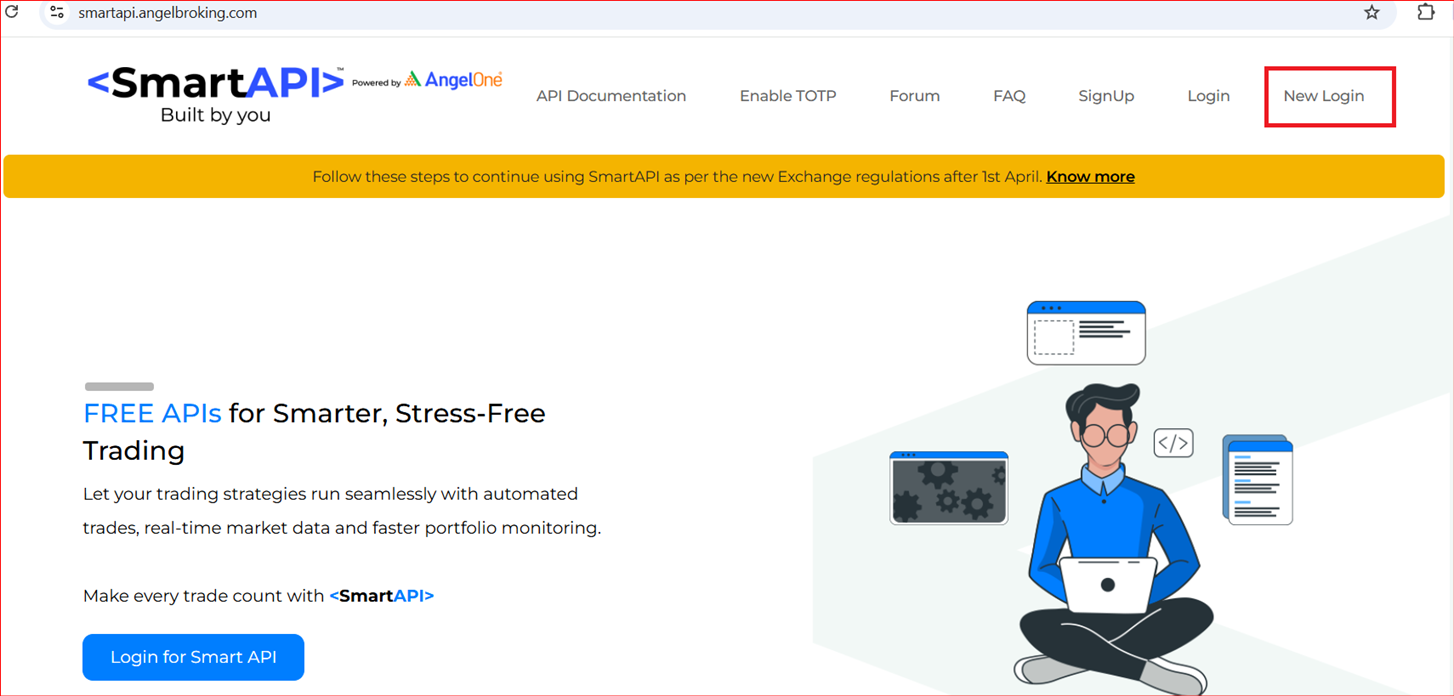
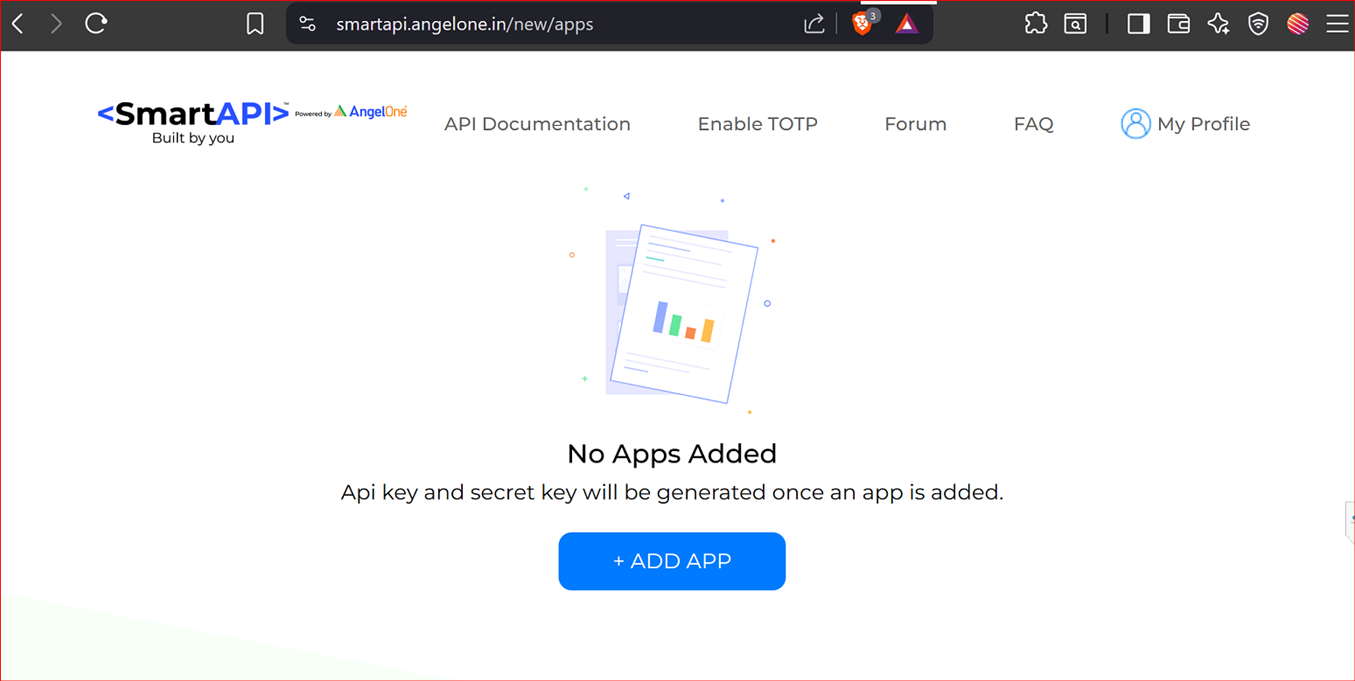
- Go to https://smartapi.angelbroking.com/.
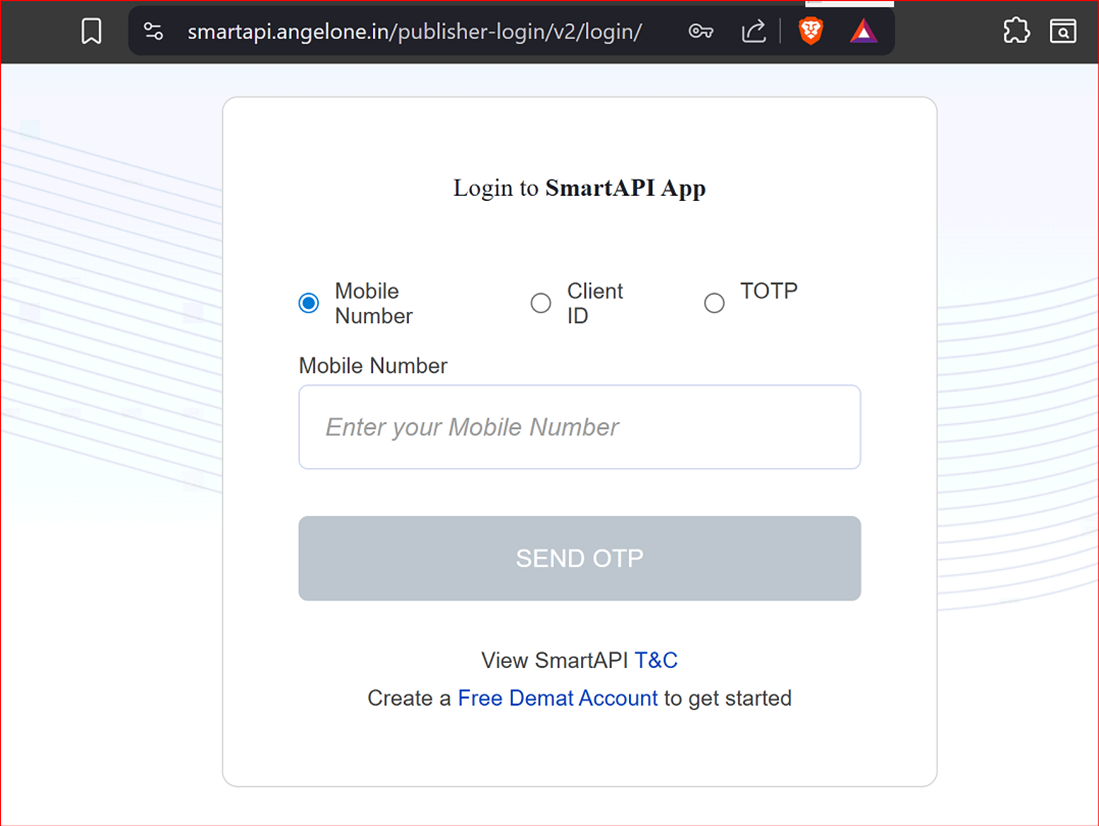
- Select New Login and log in to SmartAPI.
- Click Add App.
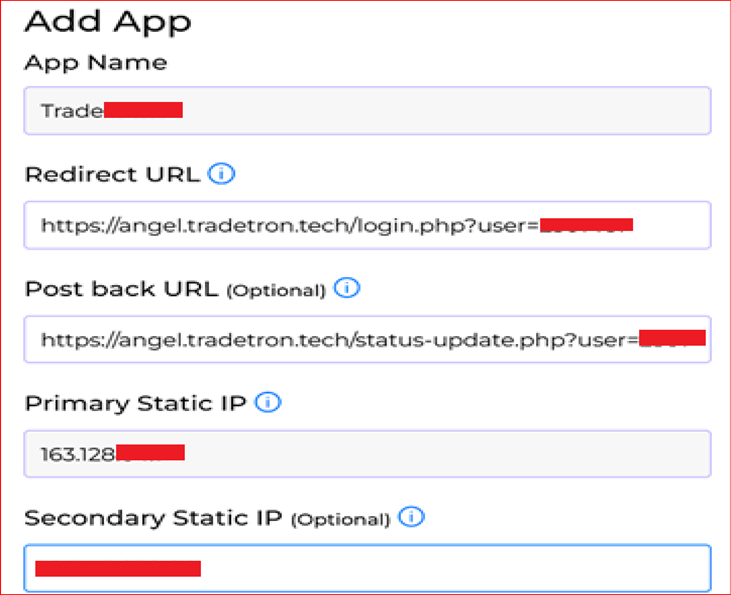
- Fill in the app:
- App name:
Tradetron - Redirect URL and Postback URL: copy them from the configuration document at https://tradetron.tech/html-view/Configure-AngelOne
- Primary Static IP: the static IP you bought on Tradetron
- Secondary Static IP: leave blank
- App name:
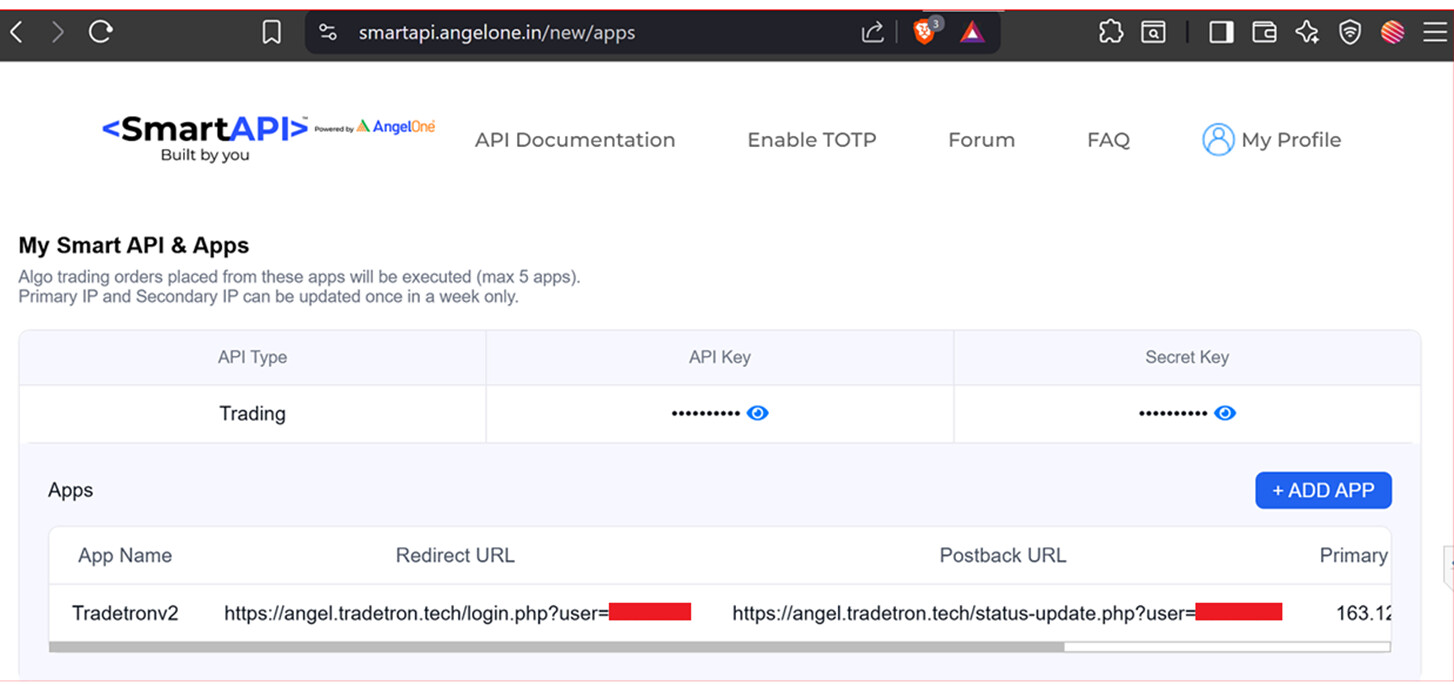
- SmartAPI now shows your API key.
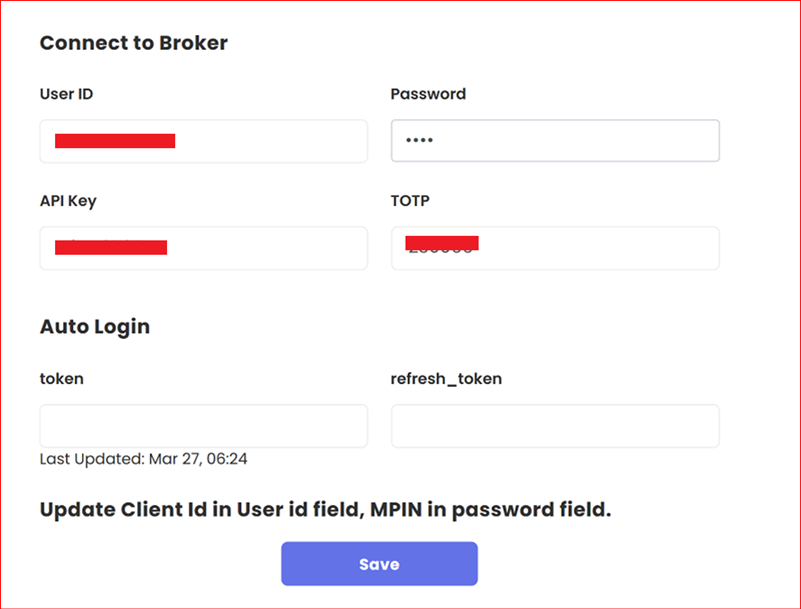
- Back on Tradetron’s Broker & Exchanges page, enter:
- Angel User ID
- Angel MPIN in the Password field
- The API key from your new SmartAPI app
- The TOTP from your authenticator app
- Save and generate the token.
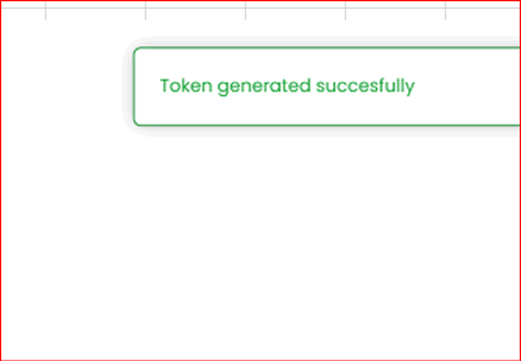
If your broker needs a fresh token every trading day, generate it on the Broker & Exchanges page after 8:30 AM and before 9:00 AM.
Fix “Unregistered IP address” (AG7002)
If orders fail with:
angel order placement failed: {"success":false,"message":"Access denied: Unregistered IP address. Register your IP before retrying.","errorCode":"AG7002","data":""}
regenerate the token like this:
- Log out of the Angel One mobile app.
- Log out of the Angel One website.
- Log in to Tradetron in an incognito Chrome window.
- On Broker & Exchanges, clear the token, TOTP and refresh token fields.
- Enter a fresh TOTP and save.
- Edit again, enter another fresh TOTP and save.
- Generate the token.
- Make a fresh deployment and check.
 Edited with AI from the original Tradetron article, checked against current docs (Oct 2026). Spot something wrong? Tell us in the Community.